Oven Control Board Diagnostic Checker
Select the symptoms you are experiencing with your oven below. This tool will analyze the combination of issues to suggest whether the control board (ERC) is likely the culprit or if other components should be checked first.
There is nothing quite as frustrating as staring at a dark oven display or watching your dinner burn because the temperature refuses to hold steady. You’ve checked the power, you’ve reset the breaker, and maybe even swapped out a heating element, but the problem persists. Often, the culprit isn’t the big, visible parts like the coils or fans. It’s the brain of the operation: the control board. This small circuit board manages everything from timing to heat distribution, and when it fails, your oven can throw a tantrum that looks like a dozen different problems.
If you’re in Perth or anywhere else dealing with an appliance that’s acting up, you might be wondering if you need a new board or just a technician. The truth is, diagnosing a bad control board is tricky because its symptoms often mimic other failures. But there are specific clues-ghost lights, unresponsive buttons, erratic temperatures-that point directly to this component. Let’s break down exactly how to spot these signs so you don’t waste money replacing parts that are perfectly fine.
What Exactly Is an Oven Control Board?
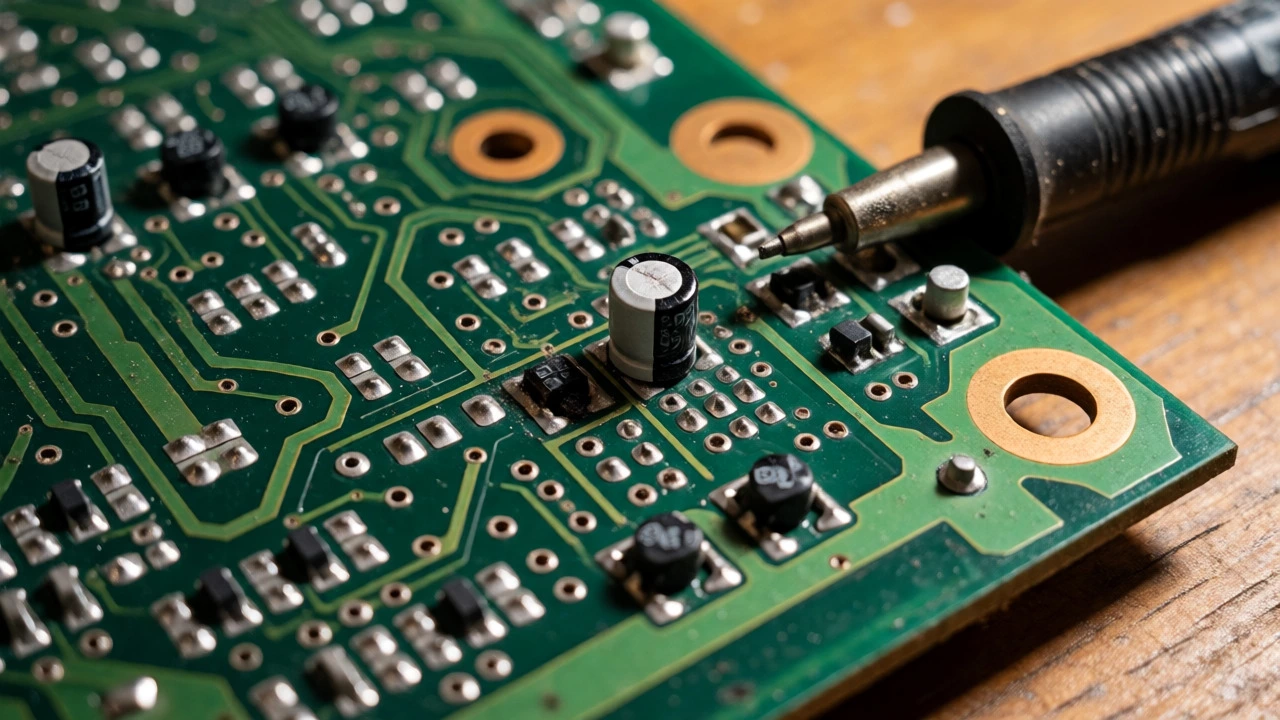
Before we hunt for faults, let’s clarify what we’re looking at. In modern electric ovens, the control board (often called the Electronic Range Control or ERC) is a printed circuit board (PCB). Think of it as the central nervous system. It receives input from your keypad or touchscreen, processes that data, and sends signals to relays, contactors, and sensors.
Unlike older mechanical ovens that used simple thermostats, modern boards use digital logic. They rely on inputs from thermistors (temperature sensors) to decide when to turn the heating elements on or off. If the board gets confused-maybe due to a power surge, moisture, or age-it stops sending the right commands. This results in an oven that either doesn’t heat at all, overheats dangerously, or displays error codes that make no sense.
| Symptom | Likely Control Board Issue | Other Possible Causes |
|---|---|---|
| Display is completely blank | No power reaching board or internal fuse blown | Main power supply, door switch |
| Erratic temperature readings | Board misinterpreting sensor data | Faulty thermistor, loose wiring |
| Buttons unresponsive | Membrane switch failure or board input error | Stuck keys, dirty contacts |
| Oven won't stop heating | Relay stuck closed on board | Shorted relay, wiring short |
| Random error codes (F1, F2) | Internal processor error or sensor mismatch | Wiring harness damage |
The Classic Signs Your Control Board Is Failing
You don’t need an oscilloscope to spot most control board failures. The oven usually tells you something is wrong through its behavior. Here are the most common red flags.
The Display Goes Dark or Glitches
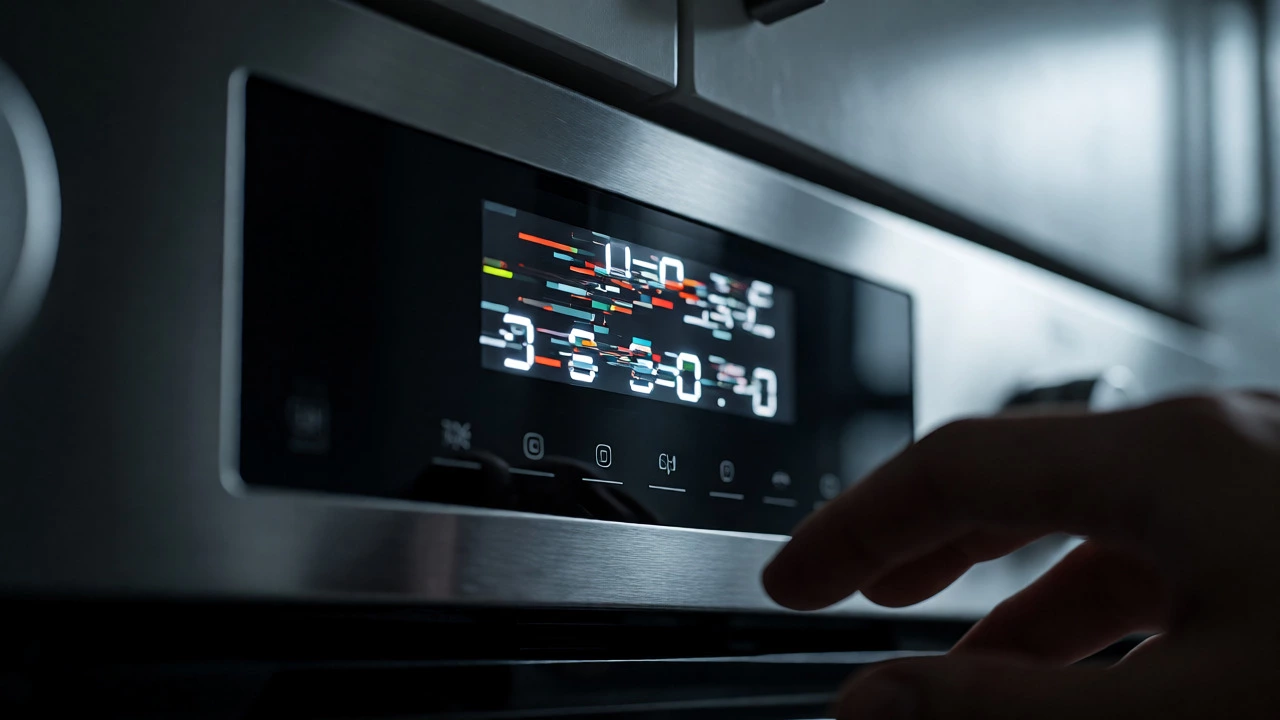
If your clock is blinking wildly, showing random characters, or simply refusing to light up despite having power, the board is likely dead. Sometimes, the backlight dies while the digits remain faintly visible. Other times, the entire panel goes black. Before blaming the board, check the main breaker. If power is definitely getting to the outlet, a dark screen is a strong indicator of a failed PCB.
Unresponsive Keypad or Touchscreen
Ever press "Start" three times before it registers? Or find that certain numbers only work if you hit them at a weird angle? This often points to the membrane switch layer under the keys wearing out. However, if the touch controls feel sluggish globally, or if the board freezes mid-cycle, the issue is deeper inside the electronics. A frozen interface that requires a hard reset (turning off the breaker for 30 seconds) to wake up is a classic sign of processor instability.
Temperature Runs Wild
This is one of the most dangerous symptoms. If you set your oven to 180°C and it climbs to 250°C without stopping, or if it barely reaches 100°C after an hour, the board isn’t regulating correctly. While a bad thermistor can cause similar issues, a failing board often causes inconsistent swings. One day it bakes normally; the next, it burns cookies. This unpredictability suggests the board’s ability to read the sensor or control the relay is degrading.
Strange Noises or Smells
A healthy control board is silent. If you hear buzzing, clicking, or popping from behind the control panel, electrical arcing might be happening on the board itself. Additionally, if you smell burning plastic or ozone near the vent area, components on the PCB may have burned out. This is rare but definitive proof of hardware failure.
Ruling Out the Usual Suspects
Jumping straight to buying a $200+ control board is risky. Many "board problems" are actually wiring or sensor issues. Before you order a replacement, you must rule out the cheaper, easier fixes.
Check the Thermistor First
The thermistor is a small probe inside the oven cavity that measures temperature. Over time, it drifts out of calibration. If the thermistor sends a wrong reading to the board, the board reacts logically to illogical data. For example, if the oven is hot but the thermistor thinks it’s cold, the board will keep the heat on until the oven smokes. Testing the thermistor with a multimeter is quick. At room temperature (around 20°C), most NTC thermistors should read between 100kΩ and 110kΩ. If yours reads significantly higher or lower, replace the thermistor before touching the board.
Inspect Wiring Harnesses
Rodents love chewing on appliance wires, and vibration can loosen connectors over years of use. Pull the oven out (safely!) and inspect the wire harness connecting the control panel to the main unit. Look for pinched wires, burnt spots, or loose plugs. A single frayed wire carrying the signal from the thermostat to the board can mimic total board failure.
Test the Relays
Some ovens have external relays separate from the main board. If your oven heats but doesn’t shut off, the relay might be welded shut mechanically rather than electronically. Listen for a distinct "click" when the oven cycles. If you hear the click but the heat stays on, the relay is stuck. Replace the relay first; it’s much cheaper than a full board swap.
How to Test the Control Board Yourself
If you’ve cleared the thermistor and wiring, it’s time to test the board. Note: Always disconnect power before opening any panels. Electricity doesn’t care if you’re experienced.
Visual Inspection
Remove the control panel cover. Look closely at the circuit board. Are there any blackened areas? Blown capacitors (they look like little cylinders, sometimes bulging at the top)? Burnt traces? If you see physical damage, the board is toast. No testing needed.
Multimeter Continuity Test
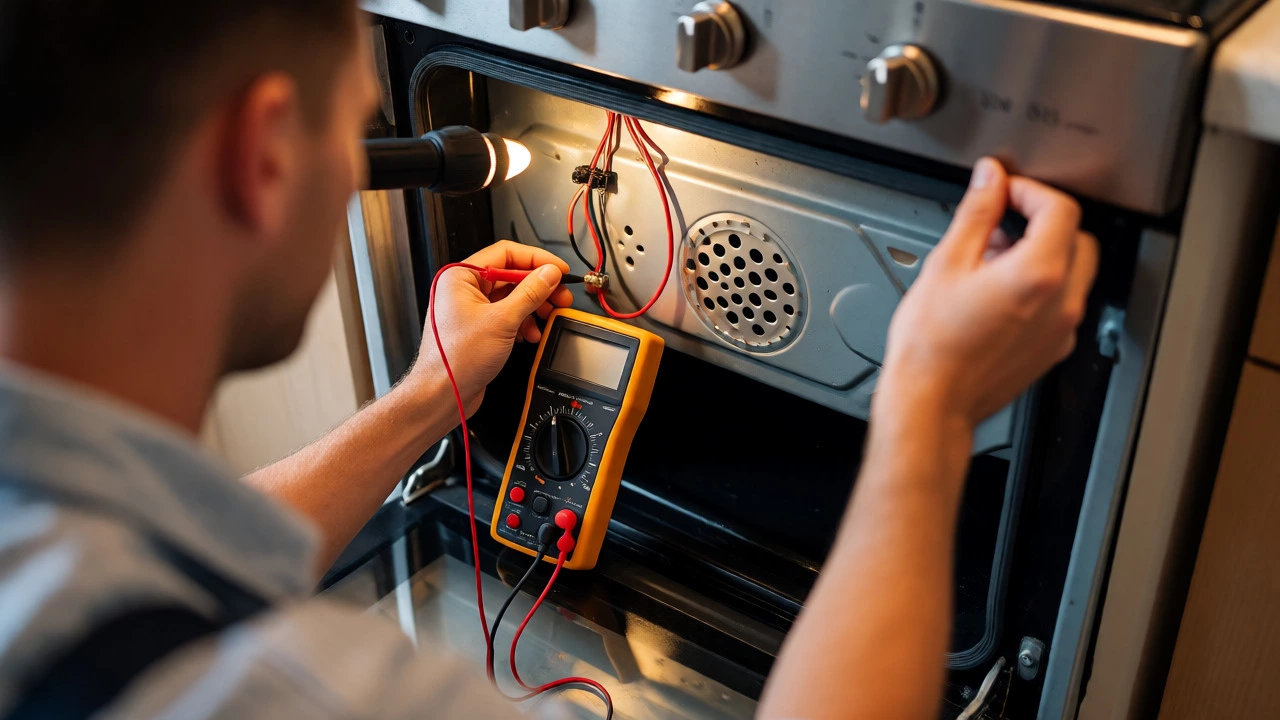
With power disconnected, set your multimeter to continuity mode. Check the connections between the terminal block and the board’s input pins. Ensure there is continuity where there should be, and no shorts where there shouldn’t be. This confirms the path from the wall to the board is clear.
Voltage Output Test
This is the definitive test. Reconnect power carefully. Set your multimeter to AC voltage. Identify the terminals that send power to the bake element and broil element. When you command the oven to "Bake," measure the voltage across those terminals. You should see roughly 240V (in Australia/Europe) or 120V/240V depending on your setup. If the board is commanding heat but you get 0V output, the board’s internal relay driver has failed. If you get voltage but the element doesn’t heat, the problem is downstream (element or wiring).
When to Call a Professional vs. DIY Replacement
Replacing a control board is generally considered a moderate DIY task. It usually involves unscrewing a few screws, unplugging two or three large connectors, and swapping the unit. However, there are scenarios where calling a pro is smarter.
- Complex Integrated Units: Some high-end European brands integrate the display, timer, and power control into one sealed unit that’s difficult to access. If you have to remove the entire oven faceplate to reach the board, consider hiring help.
- Gas Ovens: Gas ovens involve igniters and gas valves controlled by the board. Diagnosing these requires understanding both electrical and gas safety protocols. If you’re unsure, leave it to a licensed gas fitter.
- Cost-Benefit Analysis: If your oven is more than 10-12 years old, a new control board might cost half the price of a new oven. Check the availability of parts. If the model is obsolete, finding a board could take weeks. Compare the repair cost against replacement options.
Tips for Preventing Future Board Failures
Once you’ve fixed your oven, you want to avoid repeating the mistake. Control boards rarely fail randomly; they usually die due to environmental stress.
Manage Heat Exposure
Never line the bottom of your oven with foil. Foil reflects heat upwards, trapping it around the control vents located above the oven door. Excessive heat cooks the solder joints on the PCB, causing cracks and failures. Keep vents clear.
Use a Surge Protector
Power surges from lightning or grid fluctuations can fry sensitive electronics instantly. Plugging your oven into a heavy-duty surge protector (rated for appliances) adds a layer of insurance. It’s a small investment compared to a new board.
Clean With Care
Avoid spraying cleaner directly onto the control panel. Liquid can seep into the seams, corroding the membrane switches or dripping onto the board below. Spray your cloth, then wipe the panel.
Can I bypass a bad control board?
Generally, no. The control board regulates power to the elements based on temperature feedback. Bypassing it means running the elements continuously, which risks fire or burnt food. Some older ovens allow manual override for basic baking, but this is not recommended for long-term use.
How much does it cost to replace an oven control board?
In Australia, parts typically range from AUD $150 to $400 depending on the brand and model. Labor adds another $100-$200 if you hire a technician. DIY replacement saves the labor cost but requires careful handling of electrical components.
Why does my oven display show 'F1' or 'F2' errors?
Error codes vary by manufacturer, but F1 and F2 often indicate a keyboard/keypad failure or a runaway temperature condition. On many brands, F1 means the keypad membrane is shorted, while F2 indicates the oven got too hot too fast, suggesting a stuck relay or bad sensor. Consult your user manual for brand-specific meanings.
Is it safe to drive with a bad control board?
Yes, but with caution. If the board fails open (no heat), it’s safe. If it fails closed (continuous heat), the oven could overheat and potentially melt surrounding cabinetry or start a fire. Unplug the oven if you suspect it’s staying on indefinitely.
Do all oven brands use the same type of control board?
No. Brands like Whirlpool, Bosch, Samsung, and Electrolux use proprietary designs. Even within the same brand, boards differ by model year and feature set (e.g., convection vs. standard). Always match the part number exactly when ordering replacements.