Appliance Identification & Repair Prep Tool
Where is the Label?
Select your appliance type to find the specific location of the model/serial number label.
Look Here:
Create Appliance Profile
Your Appliance Summary
You’ve got a broken washing machine, a fridge that won’t cool, or maybe you’re selling your old oven online. The first thing anyone asks is: "What exactly is it?" It sounds simple, right? Just say "it’s a Samsung washer." But if you’ve ever tried to get help from a repair technician or a customer support agent, you know that’s not enough. They need more than just the brand name. They need the specific identity of the machine.
Describing an appliance correctly isn’t just about being polite; it’s about saving time and money. A vague description leads to wrong parts orders, delayed repairs, and frustration. Whether you are calling for appliance service, listing an item on eBay, or filing an insurance claim, knowing how to describe an appliance accurately is a crucial skill. Here is how you do it properly, without the guesswork.
The Golden Ticket: Model and Serial Numbers
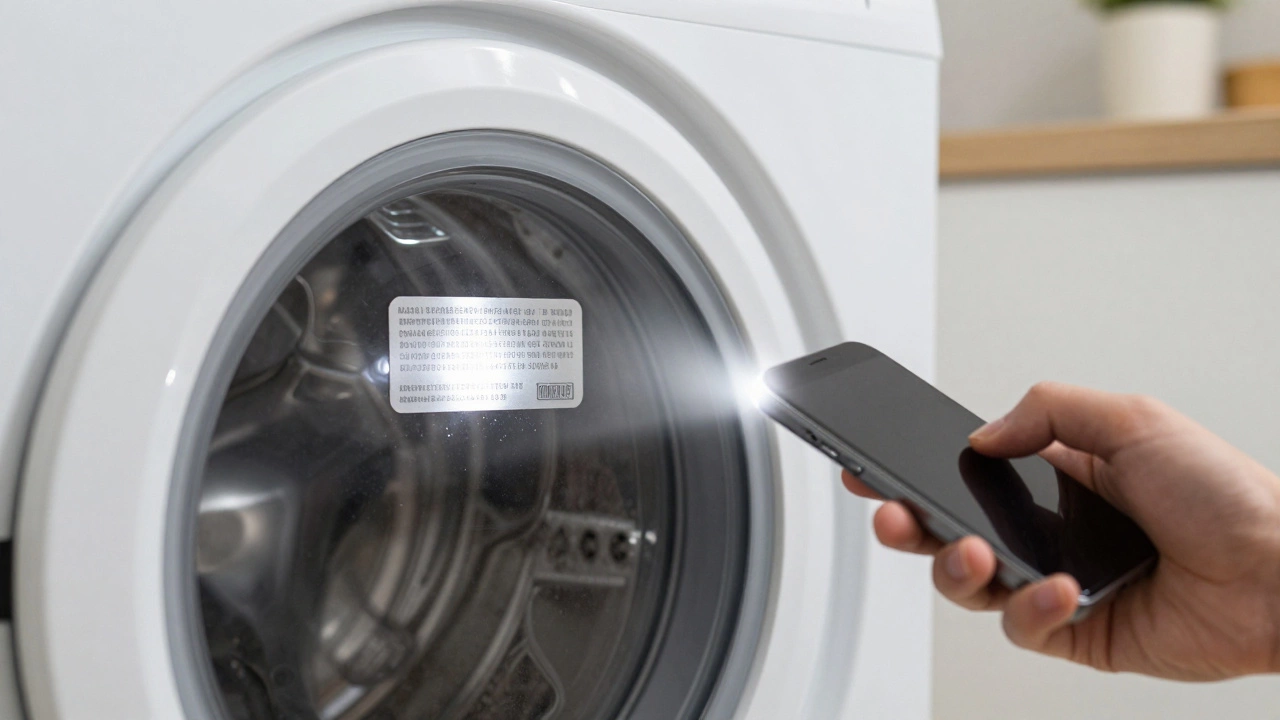
If you remember nothing else from this guide, remember this: the model number is the most important piece of information. Every major appliance manufacturer uses a unique code to identify every single unit they produce. This code tells the technician exactly which version of the machine you have, including its features, dimensions, and even the year it was built.
| Appliance Type | Common Label Locations | What to Look For |
|---|---|---|
| Washing Machine | Inside the door rim, back panel, or inside the detergent drawer | Model Number (often starts with letters like WM or WT) and Serial Number |
| Refrigerator | Inside the main compartment (side wall or ceiling), or on the back exterior | Model Number, Serial Number, and sometimes a QR code |
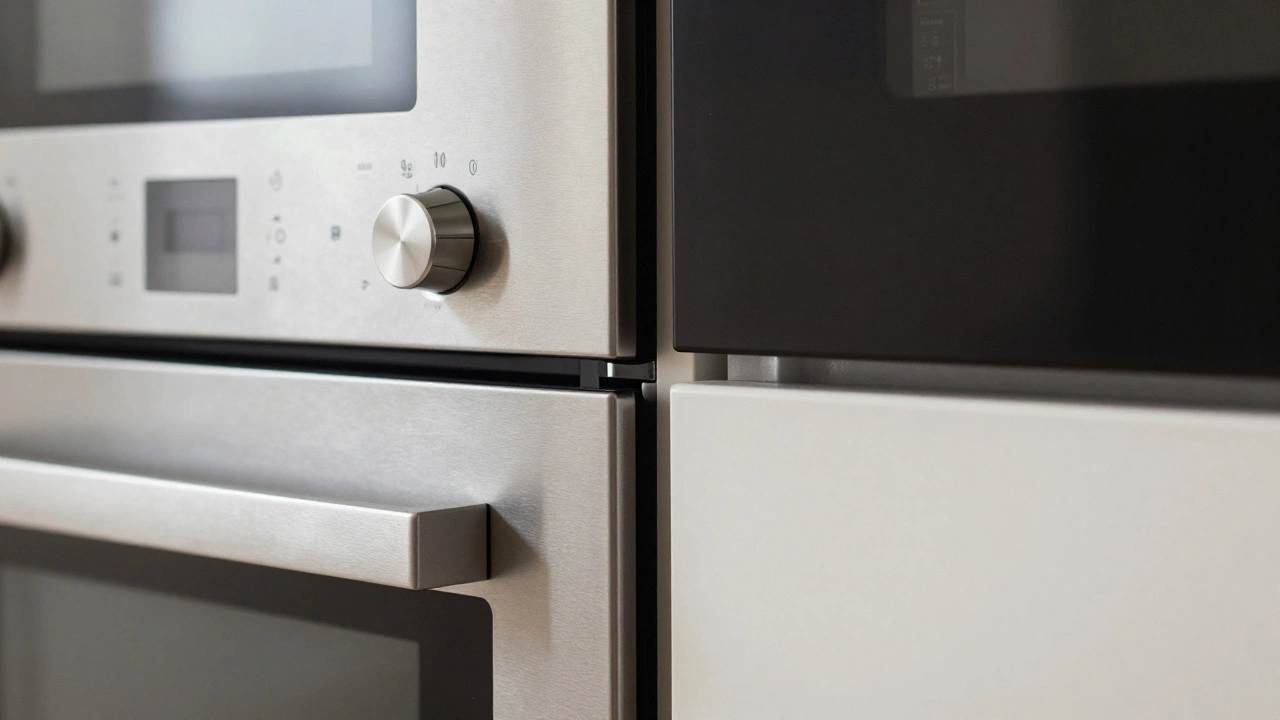
| Oven / Cooker | Inside the oven cavity (side wall or door frame), or behind the kickplate | Model Code, Voltage Rating, and Serial Number |
| Dishwasher | Inside the door frame or on the side of the tub | Model Number and Serial Number |
| Microwave | Back of the unit or inside the door opening | Model Number, Wattage, and Serial Number |
Don’t confuse the model number with the serial number. The model number identifies the type of machine (e.g., "Samsung WW80T334DBE"). The serial number is unique to your specific unit (e.g., "S123456789"). When booking a repair, you usually only need the model number to find the right parts. However, when checking warranty status or registering the product, you will need both. Always write these down before you start cleaning or moving the appliance, as labels can be hidden once the machine is in use.
Visual Details: Brand, Color, and Size
Sometimes the label is missing, faded, or obscured by grease and grime. In those cases, you need to rely on visual details. Start with the brand name. Is it Bosch, Whirlpool, LG, or Miele? Even if the logo is small, it’s usually on the front top corner or the bottom edge of the appliance.
Next, describe the color and finish. "White" is too vague. Is it cream, off-white, stainless steel, black glass, or matte grey? Repair technicians often stock common colors, but if you have a specialty finish like "brushed nickel" or "retro pastel pink," specifying this helps them bring the correct replacement panels if needed.
Size matters, especially for built-in appliances. If you have a freestanding fridge, measure its height, width, and depth. For built-in ovens or dishwashers, note the cut-out dimensions required for installation. A standard European dishwasher is usually 60cm wide, but some slimline models are only 45cm. Knowing this prevents the nightmare scenario of buying a new appliance that doesn’t fit your kitchen cabinet.
Technical Specifications: Power and Fuel Type
How does the appliance run? This is a critical detail for safety and compatibility. Most modern appliances run on electricity, but you need to specify the voltage if you are traveling or importing parts. In Australia, the standard is 240V, but older homes might have different wiring setups.
For cooking appliances, the fuel type is essential. Is your hob gas or electric? If it’s gas, is it natural gas or LPG (bottled gas)? These two gases require different pressure regulators and burner jets. Using the wrong one can be dangerous. Similarly, check if your oven has a catalytic lining or a self-cleaning function. These features affect the internal components and the type of maintenance required.
Water connections are another technical detail. Does your washing machine have a hot water inlet, or is it cold only? Some older models mix their own hot water, while newer eco-friendly ones rely entirely on your home’s hot water supply. Mentioning this helps technicians diagnose heating issues faster.
Condition and History: What’s Gone Wrong?
When describing an appliance for service, you aren’t just identifying the machine; you’re explaining its problem. Be specific about symptoms. Instead of saying "it’s broken," say "it makes a loud grinding noise during the spin cycle" or "the fridge freezer is freezing food but the fridge section is warm."
Include the age of the appliance if you know it. A five-year-old machine likely needs minor repairs, while a twenty-year-old unit might be nearing the end of its life. Also, mention any recent events. Did you move house recently? Moving can dislodge internal components or damage hoses. Did you install a new water filter? This could explain sudden changes in performance.
If you are selling the appliance, honesty about condition is key. Note any scratches, dents, or missing accessories. Does it come with the original manual? Are there spare filters or feet included? Buyers appreciate transparency, and it reduces the chance of returns or disputes later on.
Digital Descriptions: Photos and Manuals
In today’s digital world, a picture is worth a thousand words. Take clear photos of the appliance from multiple angles. Zoom in on the control panel to show the buttons and display. If there’s an error code flashing on the screen, photograph that immediately. Error codes like "E10" or "F05" are direct clues for technicians.
Try to find the user manual. Most manufacturers provide PDF versions online if you search by model number. Having the manual allows you to reference specific part names and troubleshooting steps. It also shows the intended usage, which can help determine if the issue is due to misuse or a genuine fault.
If you can’t find the manual, look for quick-start guides or installation instructions stuck to the back or side of the unit. These often contain vital information about electrical requirements and safety warnings.
Why Accurate Descriptions Matter for Appliance Service
Think about the last time you ordered food delivery. You gave your address, and the driver found you quickly. Now imagine giving a vague address like "near the big tree." The driver would be stuck, and your food would arrive cold. The same logic applies to appliance repair.
Technicians carry limited toolkits and parts. If you tell them you have a "washing machine," they might bring a generic set of tools. But if you provide the model number, they can check online for known issues with that specific batch. They might realize that a certain capacitor fails frequently in 2023 models and bring a replacement proactively. This turns a potential multi-day wait into a single-visit fix.
Accurate descriptions also protect you. If a technician arrives and says the job costs more than expected because they brought the wrong part, you have grounds to question the fee. By providing precise information upfront, you set clear expectations for both parties.
Creating a Permanent Record
Once you have gathered all this information-model number, serial number, photos, manual, and purchase date-store it safely. Create a folder on your phone or computer labeled "Home Appliances." Scan or photograph each label and save it there. Include a note about when you bought it and from where.
This record becomes invaluable over time. When warranties expire, you’ll have proof of purchase. When reselling your home, you can provide buyers with detailed specs for built-in units. And when something breaks, you won’t have to crawl under the fridge to find a dusty sticker. You’ll already have the answer at your fingertips.
What if I can't find the model number on my appliance?
If the label is missing, try looking at the original purchase receipt or warranty card. These documents almost always list the model number. You can also contact the manufacturer's customer support with the serial number and purchase date; they may be able to look up the model in their database. Another option is to search online using images of the control panel and distinctive features, though this is less reliable.
Do I need the serial number for a repair?
Usually, no. Technicians primarily need the model number to identify the correct parts and diagrams. The serial number is mainly used for warranty validation and registration. However, having both is helpful for record-keeping and verifying the appliance's age.
How should I describe the problem to a repair technician?
Be specific and factual. Describe what happens when the appliance is turned on, any unusual noises, smells, or error codes. Mention when the problem started and if it occurs consistently or intermittently. Avoid guessing what the cause is; let the technician diagnose based on your observations.
Is it safe to open the appliance to find the label?
Only if you are comfortable and the appliance is unplugged. Many labels are accessible without removing panels, such as inside the door or on the exterior back. If you need to remove screws or panels, ensure the power is disconnected and you follow safety guidelines. If unsure, it's better to skip this step and rely on other identification methods.
Can I use an app to scan my appliance for details?
Some manufacturers offer apps that allow you to scan QR codes on the appliance label to access manuals and support. Additionally, general barcode scanning apps might recognize retail barcodes, but these are less common on installed appliances. Checking the manufacturer's official website or app is the most reliable digital method.