
Laptop Repair vs. Replace Calculator
Use this tool to determine if a repair quote is worth it. The general rule of thumb: If the repair cost exceeds 50% of the current used market value, consider replacing it.
Recommendation
You drop your laptop. The screen cracks. Or maybe it just stops turning on after a spill. Now you’re staring at a quote from the shop that makes you want to cry. Is $350 too much for a new hinge? Why is the labor costing more than the part? Here’s the truth: there is no single "right" price for laptop repair because every machine and every fault tells a different story. But knowing what drives those numbers can save you hundreds of dollars.
This guide breaks down exactly what you should expect to pay for common fixes, when you’re getting ripped off, and when you should just buy a new machine instead. We’ll look at real-world scenarios, not just theoretical averages.
The Quick Verdict: What’s Fair?
What is the average cost of laptop repair?
Most standard repairs (screen, battery, keyboard) range between $150 and $400 AUD depending on the model. Complex board-level repairs or data recovery can exceed $600. If a quote is under $100 for hardware, be skeptical; if it’s over $800 for an older mid-range laptop, consider replacement.
Why Prices Vary So Wildly
It’s frustrating when two shops give you wildly different quotes for the same problem. It usually comes down to three factors: parts quality, labor complexity, and device age.
Original Equipment Manufacturer (OEM) parts are expensive but guarantee perfect fit and color accuracy. Aftermarket parts are cheaper but might have slightly lower brightness or touch sensitivity. Labor costs also differ. Replacing a hard drive takes ten minutes. Replacing a fused display assembly on a modern ultrabook can take two hours of delicate prying and re-gluing.
Device age matters too. A five-year-old budget laptop has cheap parts but high labor risk-plastics become brittle and snap easily. A brand-new gaming laptop has expensive parts but standardized screws. Shops know this, and they factor the risk into their pricing.
Breakdown by Common Issue
Let’s get specific. Here’s what you should actually be paying for the most frequent problems in 2026.
| Repair Type | Budget/Mid-Range Laptop | Premium/Ultrabook | Gaming Laptop |
|---|---|---|---|
| Screen Replacement | $150 - $250 | $300 - $600 | $250 - $500 |
| Battery Replacement | $80 - $150 | $120 - $200 | $100 - $180 |
| Keyboard Replacement | $100 - $180 | $150 - $300 | $120 - $250 |
| Charging Port Fix | $120 - $200 | $150 - $250 | $150 - $250 |
| Motherboard Repair | $200 - $400 | $300 - $600 | $350 - $700 |
| Data Recovery (HDD/SSD) | $150 - $300 | $200 - $400 | $200 - $400 |
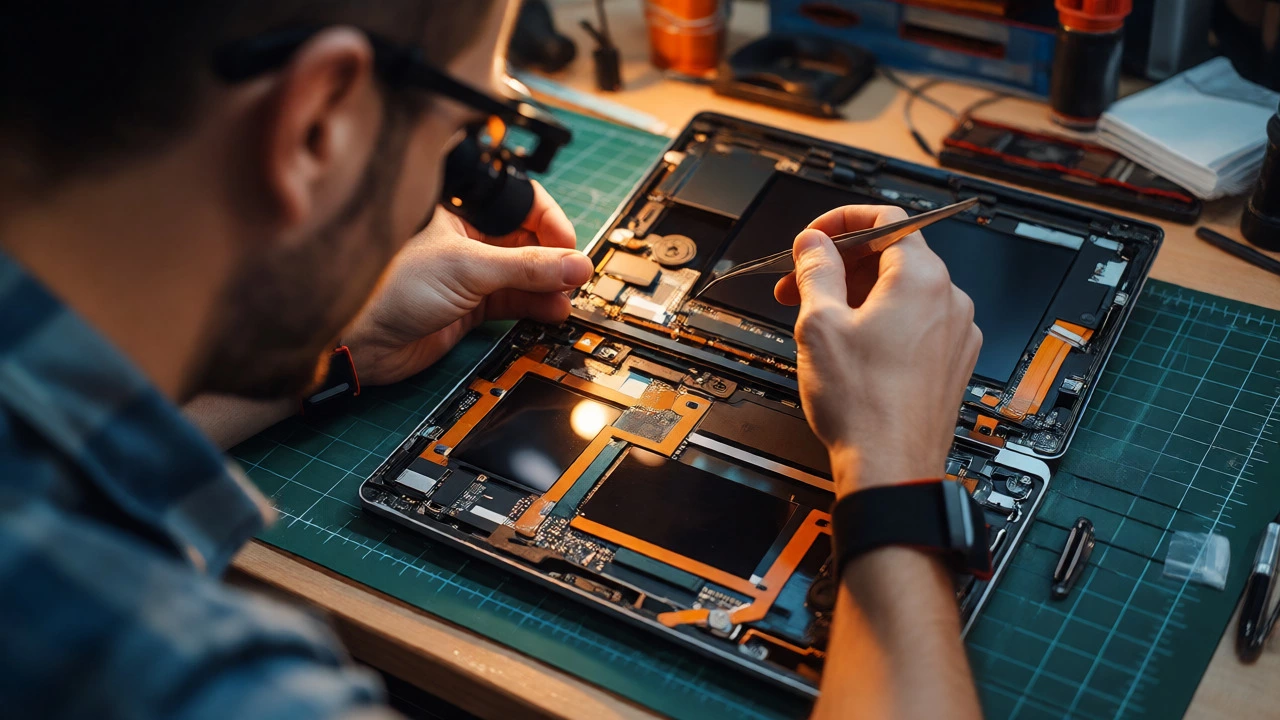
Notice the gap in screen prices. That’s because premium laptops often use fused glass assemblies. You can’t just swap the LCD panel; you have to replace the entire top lid, including the digitizer and housing. This doubles the part cost and triples the labor time compared to older models where screens were held in with simple clips.
The "Repair vs. Replace" Decision Matrix
How do you know when to fix and when to bin it? Use this rule of thumb: If the repair cost exceeds 50% of the current market value of a comparable used laptop, replace it. If it exceeds 30% and the laptop is over four years old, think twice.
Consider a MacBook Air M1. These machines hold their value incredibly well. A $400 screen repair is painful, but since these laptops still sell for $800-$1000 second-hand, fixing it makes financial sense. Now compare that to a generic Windows ultrabook from 2021. It might only fetch $300 on Facebook Marketplace. Spending $350 to fix its screen means you’ve spent more on repairs than the device is worth.
Also, consider the failure pattern. If your laptop has a cracked screen but the battery is also swollen and the keyboard is sticky, you’re looking at a cascade of failures. Fixing one thing now will likely lead to another bill next month. In these cases, upgrading is often cheaper in the long run.
Hidden Costs and Pitfalls to Avoid
Quotes are rarely final. Here are the traps that catch people out.
- The Diagnostic Fee: Many reputable shops charge $50-$90 for diagnostics. This fee is usually waived if you proceed with the repair. If a shop offers "free diagnostics," ask how they diagnose without opening the case. Often, they guess, then hit you with extra charges later.
- Part Availability Delays: For niche models (like Microsoft Surface or Lenovo Yoga), parts might need to be ordered from overseas. This adds shipping costs and delays. Some shops add a "sourcing fee" of $20-$50. Check if this is included in the initial quote.
- Warranty Exclusions: Liquid damage voids almost all warranties. Even if a shop fixes a spilled-on laptop, they may exclude future related issues from their warranty. Always ask: "If the corrosion spreads in six months, am I covered?"
- Software Fees: Hardware repair shouldn't include OS reinstalls unless specified. If your laptop won't boot due to software corruption, don't pay for hardware labor. Ask for a clear separation of hardware and software costs.
DIY vs. Professional: When to Try It Yourself
Can you save money by doing it yourself? Sometimes. Modern laptops are increasingly glued shut, making DIY risky. However, some tasks are surprisingly easy.
Try DIY if: * Your laptop uses screws (not glue) for the back cover. * The part is modular (e.g., RAM, SSD, external battery). * You have basic tools (precision screwdrivers, plastic pry tools).
Hire a pro if: * The screen is fused to the frame. * The issue involves soldering (charging ports, power circuits). * The laptop is under manufacturer warranty (opening it voids coverage). * You lack confidence handling fragile ribbon cables.
A failed DIY attempt can turn a $150 screen replacement into a $400 disaster if you crack the bezel or rip a connector. Factor in the risk before buying parts online.
Choosing the Right Repair Shop
Not all technicians are created equal. Look for these signs of a trustworthy provider:
- Transparent Pricing: They provide a written estimate before starting work. No surprises.
- Clear Warranty: They offer at least 3-6 months on parts and labor. Shorter warranties suggest low-quality parts.
- Specialization: Do they specialize in your brand? A generalist might struggle with Apple’s proprietary pentalobe screws or Dell’s BIOS locks.
- Data Privacy: Ask about their policy on accessing your files. Reputable shops won’t snoop through your personal photos while diagnosing hardware faults.
In Perth, independent specialists often beat big-box retailers on price and turnaround time. Big chains often outsource complex board-level repairs anyway, adding a middleman markup.
Frequently Asked Questions
Is it worth repairing a 5-year-old laptop?
Only if the repair is minor (under $150) and the laptop still meets your performance needs. For major issues like motherboards or screens, replacing it with a newer entry-level model is often better value.
Why is my laptop repair so expensive?
Modern laptops integrate components tightly. Screen replacements often require replacing the entire display assembly, not just the panel. Additionally, specialized tools and skilled labor for micro-soldering command higher hourly rates.
Can I use third-party parts?
Yes, for batteries and keyboards, aftermarket parts are often fine. For screens, especially on MacBooks or high-end PCs, OEM or high-grade aftermarket is recommended to avoid color shifts or touch issues. Check reviews for part quality.
How long does a typical repair take?
Simple swaps (battery, RAM) can be done in under an hour. Screen replacements typically take 24-48 hours due to curing time for adhesives. Board-level repairs or data recovery can take 3-7 days depending on parts availability.
Does liquid damage always mean a dead laptop?
No. Immediate professional cleaning can often save a laptop even if it doesn't turn on right away. Corrosion progresses over time, so acting fast increases survival chances. Success rates vary from 40% to 80% depending on the liquid type and volume.