Microwave Repair Decision Tool
What is the main problem?
Your microwave stops heating, makes a strange buzzing noise, or the turntable refuses to spin. It’s frustrating, especially when you just want a quick lunch. Before you toss it in the trash or pay for a costly service call, there are several things you can check and fix yourself. However, microwaves contain high-voltage components that can be dangerous if mishandled. Knowing the difference between a simple reset and a hazardous internal failure is the key to saving money without risking your safety.
Quick Summary / Key Takeaways
- Safety First: Never open the back panel or side casing of a microwave. The capacitor holds a lethal charge even when unplugged.
- Easy Fixes: Check the power cord, clean the door switches, and inspect the turntable roller ring for debris.
- Common Issues: A broken fuse, faulty door latch, or dirty waveguide cover often causes heating failures.
- When to Quit: If the microwave sparks, smells like burning plastic, or has visible damage to the magnetron, stop immediately.
- Cost-Benefit: DIY repairs save money on minor issues; professional repair is usually worth it for major component failures.
Understanding the Danger Zone
Microwaves are not like toasters or blenders. Inside every Microwave Oven is a kitchen appliance that uses electromagnetic radiation to heat food, there is a High-Voltage Capacitor that stores up to 4,000 volts of electricity. This charge remains even after you unplug the unit. Touching this component with a metal tool or your fingers can cause severe electric shock or death. Therefore, any repair that requires removing the outer metal case is strictly off-limits for home DIYers. Stick to external checks, cleaning, and user-accessible parts.
Step-by-Step Troubleshooting for Common Problems
Most microwave issues fall into three categories: power problems, heating failures, or mechanical jams. Here is how to diagnose and fix them safely.
1. The Microwave Won’t Turn On
If the display is blank and no buttons respond, start with the basics. Is the unit plugged in? Sounds silly, but cords get kicked out. Check the outlet by plugging in another device, like a lamp. If the lamp works, the issue is likely the microwave’s internal thermal fuse or control board. Since replacing these requires opening the case, this is a sign to call a technician. However, try resetting the microwave by unplugging it for 60 seconds, then plugging it back in. Sometimes the electronic control board just needs a reboot.
2. It Runs But Doesn’t Heat
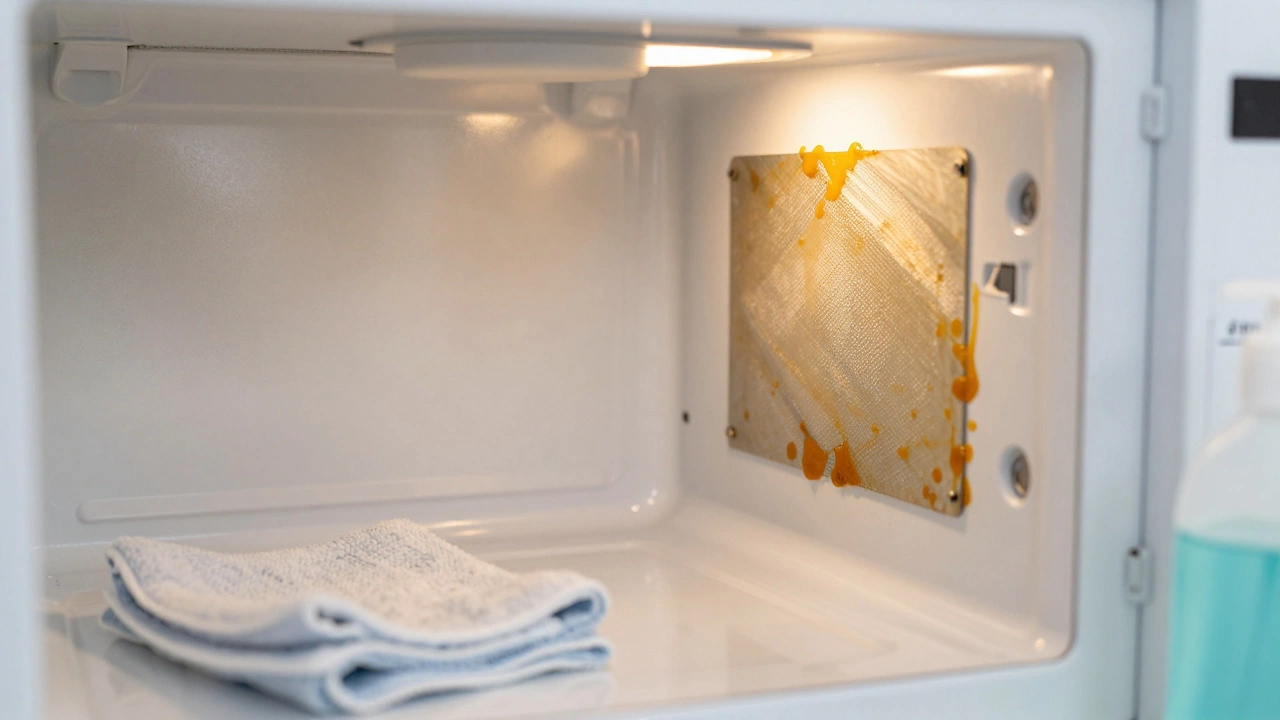
This is the most common complaint. The light turns on, the plate spins, but your coffee stays cold. This usually points to one of three components: the Magnetron (the part that generates microwaves), the High-Voltage Diode, or the High-Voltage Capacitor. Because all three are inside the sealed cabinet, you cannot safely replace them at home. However, check the Waveguide Cover. This is a small paper or mica sheet inside the cavity, usually on the right wall. If grease or food splatter covers it, it can block the waves or catch fire, causing the unit to shut down. Clean it gently with a damp cloth. If it’s burnt or missing, order a replacement part online-it’s cheap and easy to swap without tools.
3. Sparks or Arcing Inside
Seeing lightning bolts inside your microwave? Stop using it immediately. Arcing is caused by metal objects, foil, or damaged interior paint. Remove any metal utensils, twist ties, or gold-rimmed plates. If the sparking continues with an empty microwave, the interior enamel might be chipped, exposing the metal underneath. You can sometimes fix this with Aerosol Appliance Epoxy designed for microwaves. Clean the area thoroughly, apply the epoxy, and let it cure. If the damage is extensive, replace the unit-the risk of fire is too high.
4. The Turntable Won’t Spin
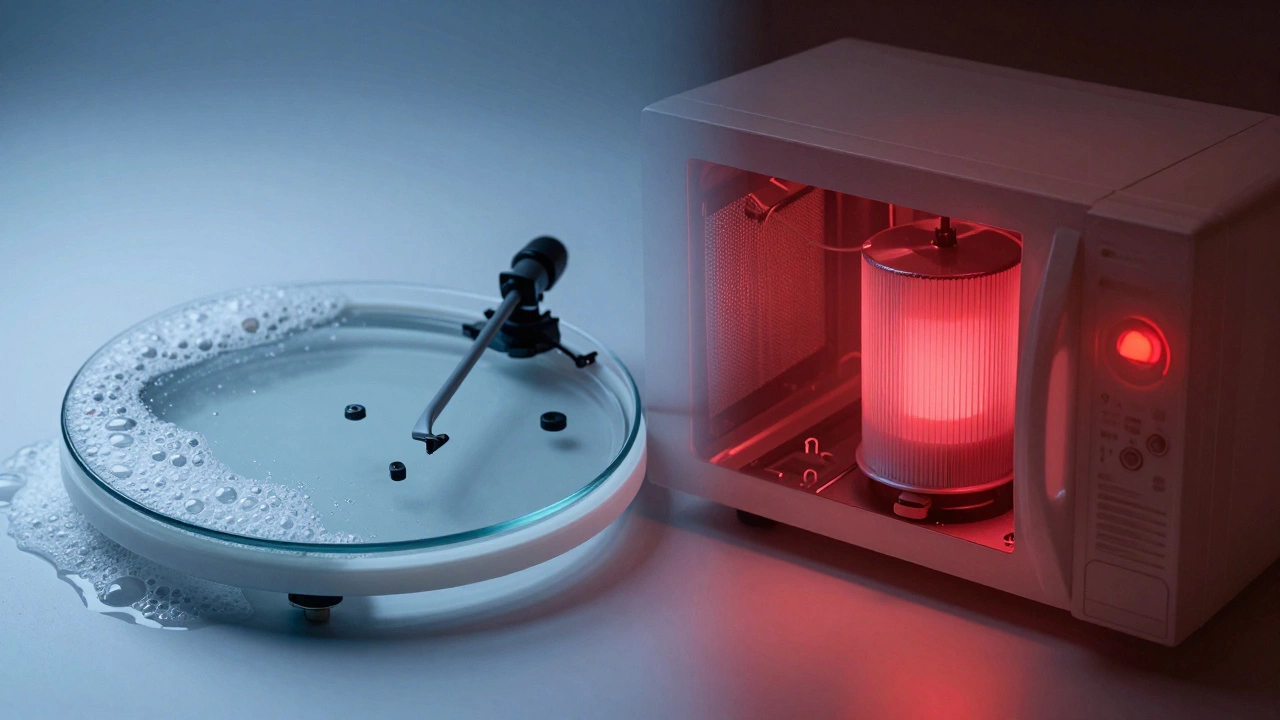
A stationary plate isn’t always a motor failure. Look under the glass tray. There should be a plastic roller ring with wheels. If food debris or hardened grease clogs the wheels, the tray won’t move. Lift the glass plate, remove the roller ring, and wash it in warm soapy water. Dry it completely before reassembling. Also, check the drive coupling under the tray. If it’s stripped or broken, you’ll need to buy a new coupling kit from the manufacturer. This is a safe, tool-free repair.
Diagnosing Door and Switch Issues
Microwaves have multiple safety switches that prevent operation if the door isn’t fully closed. If the microwave hums but doesn’t heat, or if it won’t start at all, the door latch might be misaligned. Inspect the door hinges for loose screws. Tighten them if necessary. Look at the door switch tabs-small plastic levers inside the frame. If they’re bent or broken, the microwave thinks the door is open. While you can sometimes straighten a slightly bent tab, a broken switch requires professional replacement due to the voltage risks involved.
| Symptom | Likely Cause | Can You Fix It? | Estimated Cost |
|---|---|---|---|
| Won’t turn on | Power cord, outlet, or thermal fuse | Check cord/outlet only | $0-$150 (pro) |
| No heat, runs normally | Magnetron, diode, or capacitor | No (internal parts) | $150-$300 (pro) |
| Sparks/arcing | Metal object or damaged waveguide | Yes (if waveguide) | $5-$20 (part) |
| Turntable stuck | Dirty roller ring or broken coupling | Yes | $10-$25 (part) |
| Loud humming/buzzing | Failing magnetron or fan motor | No | $100-$250 (pro) |
Essential Safety Precautions
Before attempting any cleaning or minor repair, follow these rules:
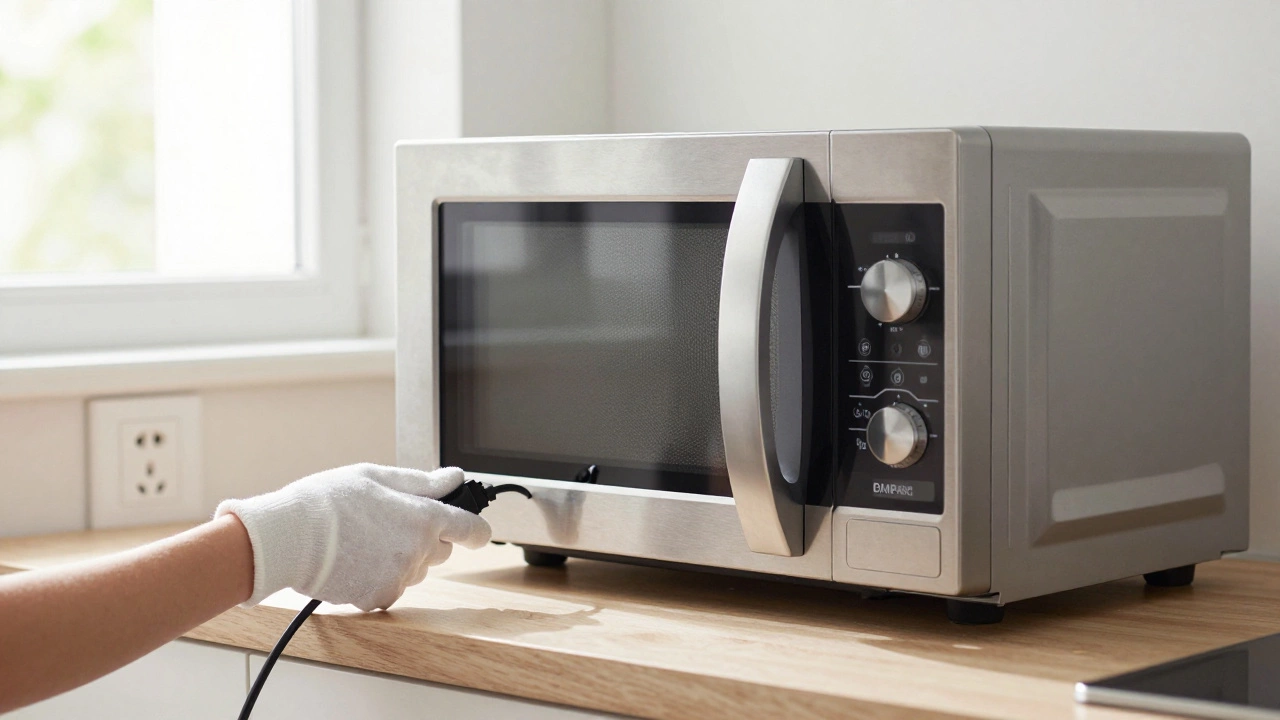
- Unplug the Unit: Always disconnect power before touching anything inside the cavity or door.
- No Metal Tools: Use plastic or wooden utensils for cleaning. Metal can scratch the interior and cause future arcing.
- Ventilation: If you smell burning, open windows and step away. Do not inhale fumes from melting plastic or burning electronics.
- Water Caution: Keep water away from the control panel and vents. Moisture can short out the circuitry.
When to Replace Instead of Repair
Not every microwave is worth fixing. Consider replacement if:
- The unit is older than 7-10 years. Parts become harder to find, and efficiency drops.
- The cost of repair exceeds 50% of the price of a new model. Basic microwaves cost under $100.
- There is visible damage to the door seal or hinge. A compromised seal lets radiation leak, which is a serious health hazard.
- The exterior casing is cracked or dented near the front window.
Maintenance Tips to Prevent Future Breakdowns
Prevention is easier than cure. Follow these habits to extend your microwave’s life:
- Clean Weekly: Wipe the interior after use to prevent grease buildup. Grease attracts dirt and can ignite.
- Use Covered Containers: This minimizes splatters. Use microwave-safe lids or vented bags.
- Check the Vent: Ensure the exhaust vent is not blocked by cabinets or dust. Poor ventilation overheats the motor.
- Avoid Empty Runs: Never run the microwave empty. It reflects energy back to the magnetron, damaging it quickly.
Is it safe to open the back of a microwave to fix it?
No. Opening the back panel exposes you to the high-voltage capacitor, which can deliver a lethal shock even when unplugged. Only qualified technicians should access internal components.
Why does my microwave spark when I run it?
Sparking is usually caused by metal objects inside, such as forks, aluminum foil, or gold-rimmed dishes. It can also result from a damaged waveguide cover or chipped interior paint. Remove all metal and inspect the interior for damage.
Can I replace the microwave turntable myself?
Yes. The glass turntable and its roller ring are user-replaceable. Purchase the exact model number part from the manufacturer or a reputable appliance store. Installation requires no tools.
What should I do if my microwave smells like burning?
Stop using it immediately. Unplug the unit and ventilate the room. The smell could indicate burning food residue, a failing motor, or an electrical short. If cleaning doesn’t resolve it, consult a professional.