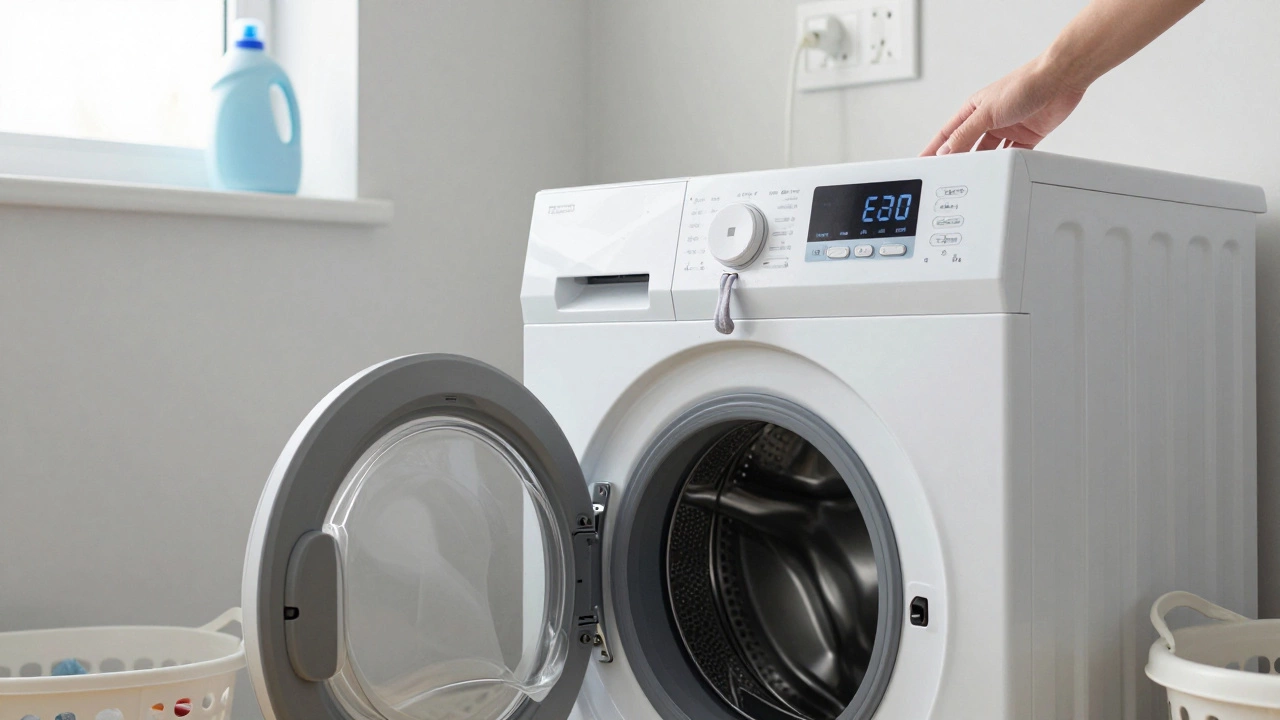
Your washing machine suddenly stops mid-cycle. The drum won’t spin. The door won’t unlock. A flashing error code glares back at you like a warning light on your car dashboard. You’ve tried turning it off and on again-twice. Still nothing. Before you call a repair technician or start packing clothes for the laundromat, there’s one simple thing most people forget: resetting the washing machine.
Why Resetting Works
Washing machines are smart now. They have microcontrollers, sensors, and software that manage everything from water levels to spin speed. Sometimes, these systems glitch. A power surge, a stuck sensor, or even a too-heavy load can confuse the control board. Resetting clears that temporary confusion, like rebooting a frozen phone. It doesn’t fix broken parts-but it does clear software hiccups that make the machine think something’s wrong when it’s not.According to appliance technicians in Perth, nearly 40% of service calls for washing machines that won’t start or spin are resolved with a simple reset. No tools. No parts. Just a few minutes of your time.
How to Reset Your Washing Machine
The exact steps vary by brand, but the core process is the same across most models. Follow these steps in order.- Unplug the machine. Don’t just press the power button. Physically pull the plug from the wall socket. This cuts all power to the control board and forces a full reboot.
- Wait 5 to 10 minutes. This isn’t just waiting-it’s letting capacitors discharge and memory clear. If you plug it back in too soon, the glitch might still be there.
- Check the door. Make sure nothing’s stuck in the door seal. A small sock or coin can trigger a safety lock. Open and close the door firmly.
- Plug it back in. Don’t use an extension cord. Plug directly into the wall. If you’re in an older home with outdated wiring, this step alone can fix issues caused by low voltage.
- Turn it on. Wait for the display to light up. If it shows an error code, note it down. Some machines reset automatically. Others need you to press a button.
- Run a drain/spin cycle. Select the shortest cycle with no spin. Let it run for a few minutes. If water drains and the drum spins-even slowly-you’ve cleared the fault.
If the machine still won’t start after this, the problem isn’t a software glitch. It’s hardware. But if it works? You just saved a $150 service call.
Brand-Specific Reset Tricks
Not all machines behave the same. Here are the most common brands and their hidden reset methods.- Whirlpool / Maytag: Press and hold the Start/Pause button for 5 seconds. If that doesn’t work, unplug for 10 minutes, then turn the dial to Normal and press Start three times quickly.
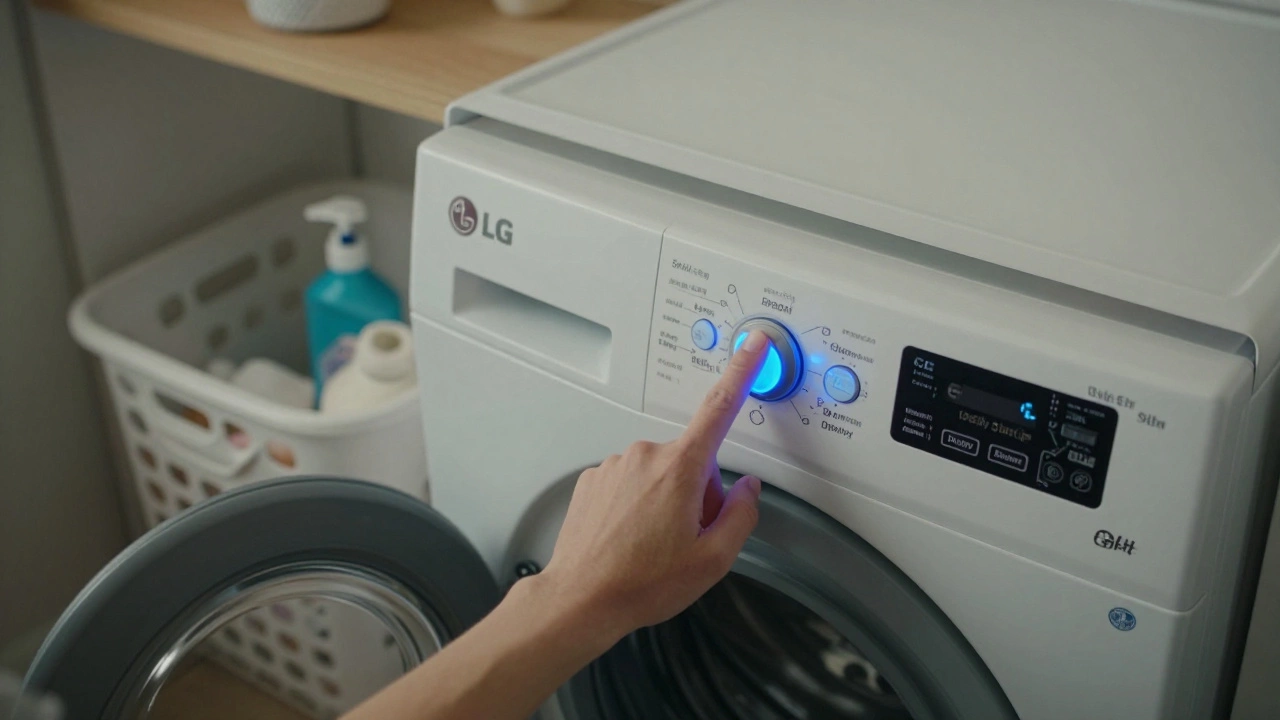
- LG: Unplug. Wait 1 minute. Plug back in. Press and hold the Spin Speed and Delay Start buttons together for 5 seconds. The display should flash CL or reset to default.
- Samsung: Unplug. Wait 10 minutes. Plug back in. Press Power, then immediately press Spin five times in a row. The display will show 5d if successful.
- Haier / Bosch / Siemens: Turn the dial to Off. Unplug. Wait 15 minutes. Plug back in. Turn dial to Drain and hold the Start button for 10 seconds.
- Indesit / Hotpoint: Turn dial to Spin. Hold the Start button while plugging the machine back in. Keep holding for 10 seconds.
These tricks aren’t in the manual. They’re what technicians use when they’re in a hurry. If your brand isn’t listed, try the universal method first-unplug and wait.
What If It Still Doesn’t Work?
Resetting works for software errors. If the machine still won’t start, drain, or spin, you’re dealing with a mechanical or electrical fault. Here’s what to check next:- Drain hose blocked? Look under the machine. The hose can kink or get clogged with lint. Disconnect it and flush with water.
- Door lock broken? If the door won’t unlock even after a reset, the lock mechanism might be jammed or failed. Try gently prying the seal with a flathead screwdriver (unplugged!) to see if it releases.
- Motor or belt issue? If you hear a humming noise but no spin, the motor might be stuck or the belt broken. This needs a technician.
- Water inlet valve? If the machine fills but never starts the cycle, the valve might be clogged with sediment. Turn off water, disconnect hoses, and clean the filters.
Many of these issues are fixable with basic tools. But if you’re not comfortable poking around inside the machine, stop. Don’t risk electric shock or making it worse.
Common Error Codes and What They Mean
Error codes vary by brand, but here are the most common ones and what they usually mean after a reset fails:| Error Code | Brand | Typical Cause |
|---|---|---|
| E1 / E2 | LG, Samsung | Water supply issue-check tap, hose, or filter |
| UE | Samsung, LG | Unbalanced load-redistribute clothes, try again |
| LE | LG | Motor overload or sensor fault |
| F02 | Whirlpool | Drain pump blocked |
| dE | Haier | Door not closed properly |
| E20 | Bosch, Siemens | Drain problem-check hose and pump |
If your machine shows one of these codes after a reset, you’re not dealing with a glitch-you’re dealing with a physical problem. But knowing the code helps you describe it to a technician faster-and saves you money.
When to Call a Pro
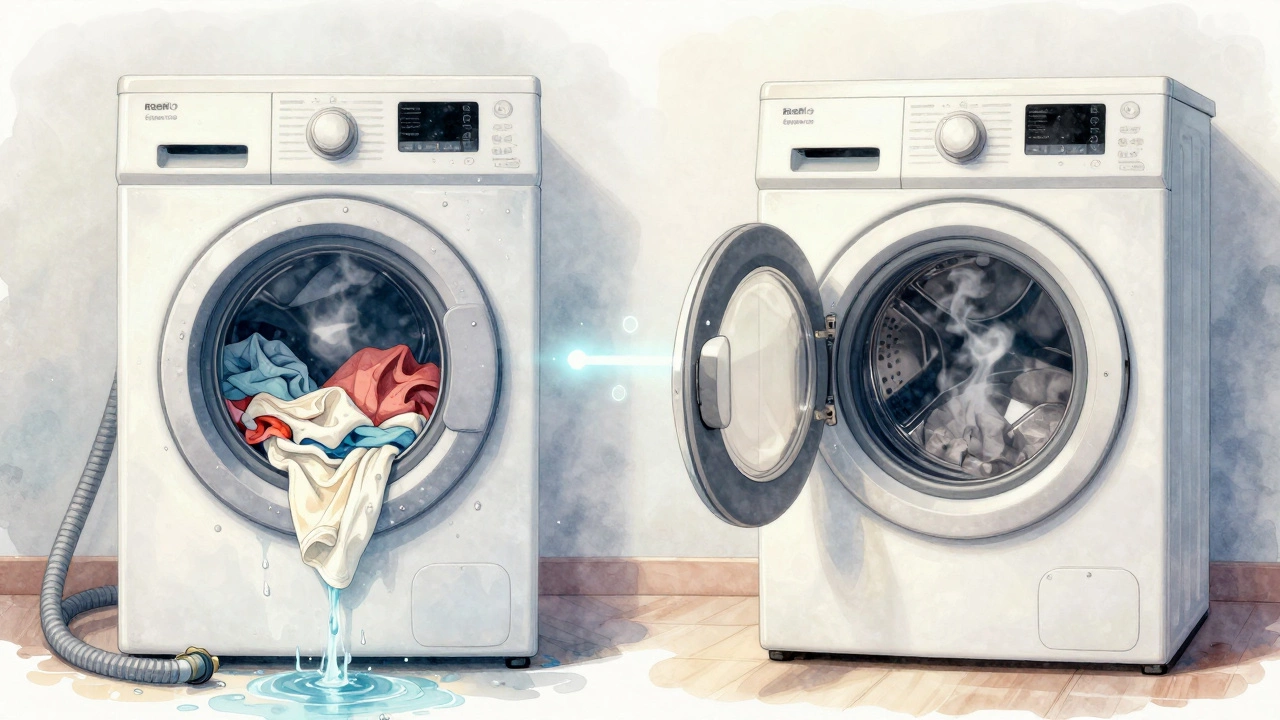
Resetting fixes 9 out of 10 minor issues. But some things need a pro. Call a technician if:- The machine smells like burning plastic or smoke.
- Water is leaking from the bottom-not the hoses, but the base.
- You hear grinding, screeching, or loud clunking during any cycle.
- The control panel is completely dead-even after unplugging and waiting.
- The machine is over 10 years old and keeps breaking down.
Older machines aren’t worth repairing if the cost exceeds half the price of a new one. But if it’s under 8 years old and the reset worked once before? It’s probably still got a few good years left.
Prevent Future Resets
The best reset is the one you never need. Here’s how to keep your machine running smoothly:- Use HE (high-efficiency) detergent. Regular detergent creates too many suds and confuses sensors.
- Don’t overload. Fill the drum no more than ¾ full. Clothes need room to move.
- Clean the drum monthly. Run an empty hot cycle with vinegar or a washing machine cleaner.
- Check the drain pump filter every 3 months. Lint, coins, and buttons build up fast.
- Leave the door slightly open after use. Moisture causes mold and sensor corrosion.
These habits add up. A machine that’s cleaned and used right can last 12-15 years. One that’s neglected? Might die in 5.
Final Tip: Write It Down
After you reset your machine and it works, write down the date, the error code (if any), and what you did. Keep it on the fridge or in a phone note. If it happens again in a month, you’ll know it’s a recurring issue-not a one-off glitch. That tells you it’s time to consider replacement.Why won’t my washing machine reset?
If your washing machine won’t reset, it’s likely not a software issue-it’s hardware. Check the power supply, door lock, drain pump, or motor. If unplugging for 10 minutes and trying again does nothing, the control board or sensor may be damaged. Try running a drain cycle manually. If that fails, call a technician.
Can I reset my washing machine without unplugging it?
Some brands allow a soft reset using button combinations-like holding Start/Pause for 5 seconds. But these only clear temporary errors. For a true reset, you need to cut all power. Unplugging is the only reliable method. Power buttons on the machine don’t fully disconnect the circuitry.
How long should I wait after unplugging before plugging back in?
Wait at least 5 minutes. For stubborn issues, wait 10 to 15. This lets the internal capacitors fully discharge and clears the memory on the control board. Less than 5 minutes often isn’t enough. Think of it like restarting a computer-you don’t just flip the switch back on immediately.
Does resetting a washing machine fix error codes?
Sometimes. If the error code was caused by a temporary glitch-like a sensor misreading due to a heavy load or power surge-resetting clears it. But if the code returns after resetting, it means the problem is real: a blocked pump, broken door lock, or faulty motor. The code is just telling you what’s broken. Resetting won’t fix the part.
Is it safe to reset a washing machine myself?
Yes, if you unplug it first. Never reset a machine while it’s still plugged in. Working with water and electricity is dangerous. Unplugging removes the risk. Once it’s off, checking the door seal or drain hose is safe. But don’t open the back panel or touch wires unless you’re trained. If in doubt, call a pro.