Laptop Repair Cost Calculator
Find out if fixing your 7-year-old laptop makes sense for your situation. Based on real-world repair costs and environmental impact data from the article.
Repair Estimate
Select your laptop issues and use case to see the results.
Seven years is a long time for a laptop. Back then, Windows 10 was new, SSDs were still a luxury, and you could buy a decent machine for under $600. Today? That same laptop is struggling to keep up. But before you toss it in the bin or hand it over to the e-waste bin, ask yourself: is it worth fixing a 7-year-old laptop? The answer isn’t yes or no-it’s a mix of cost, use, and what you’re willing to accept.
What’s really wrong with it?
Not all laptop problems are equal. A cracked screen? A broken hinge? Those are expensive fixes. But if your laptop just runs slow, overheats, or won’t hold a charge, those are fixable. And often cheaply.Most 7-year-old laptops suffer from three things:
- Slow storage: If it still has a spinning hard drive, swapping it for a cheap SSD (under $30 AUD) can make it feel like a new machine. Boot times drop from 2 minutes to 15 seconds. Apps load instantly. It’s the single biggest upgrade you can make.
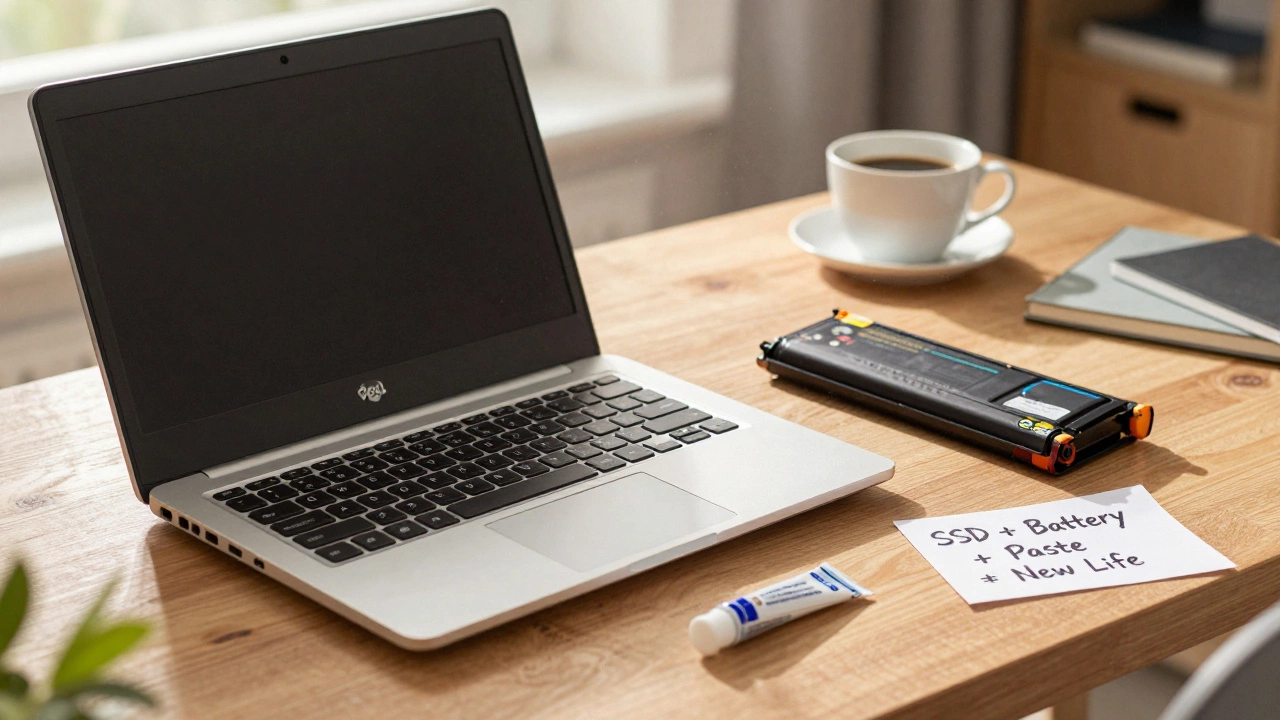
- Old battery: Lithium batteries degrade after 300-500 charge cycles. At 7 years, yours is likely dead or holding only 10-20% of its original capacity. Replacing it costs $40-$80 AUD. You’ll get back 2-4 hours of real use, not just plugged-in mode.
- Overheating: Dust clogs fans and heatsinks. A $20 clean-and-re-paste job (thermal paste is $10) can drop temps by 15-20°C. That means fewer crashes and longer life.
These aren’t high-end repairs. They’re basic maintenance. If your laptop is still turning on and the keyboard isn’t falling apart, you’re already ahead.
How much is it worth fixing?
Let’s talk numbers. A professional repair shop will charge $80-$150 AUD just to diagnose your laptop. That’s half the price of a new budget machine. But here’s the catch: if you do the work yourself, you can fix it for under $100 total.Here’s a real example from a user in Perth who fixed their 7-year-old Dell Inspiron:
- SSD replacement: $28 AUD
- Battery replacement: $65 AUD
- Thermal paste and cleaning: $15 AUD (did it themselves)
- Total: $108 AUD
That laptop now runs Windows 11 smoothly, holds a charge for 3 hours, and doesn’t overheat. It’s not a gaming beast, but it handles Zoom calls, web browsing, and Office apps just fine. For someone who doesn’t need high-end performance, that’s a win.
Compare that to buying a new entry-level laptop. You’ll pay $500-$700 AUD for something with a better screen, faster CPU, and 8GB RAM. But you’re also paying for brand-new plastic, a warranty you probably won’t use, and the fact that it’ll be outdated in 2-3 years.
What can you actually do with it?
Don’t expect your 7-year-old laptop to run Adobe Premiere or the latest AAA games. But you don’t need that.Here’s what a repaired 7-year-old laptop can handle:
- Web browsing (Chrome, Firefox)
- Video calls (Zoom, Teams, Google Meet)
- Word processing and spreadsheets (Google Docs, LibreOffice)
- Email and light photo editing
- Streaming Netflix or YouTube
- Basic coding or learning Python
If your needs are this simple, you’re not losing out. You’re saving money. Many students, retirees, and remote workers use older machines for exactly these tasks. The laptop doesn’t need to be fast-it just needs to work.
When should you walk away?
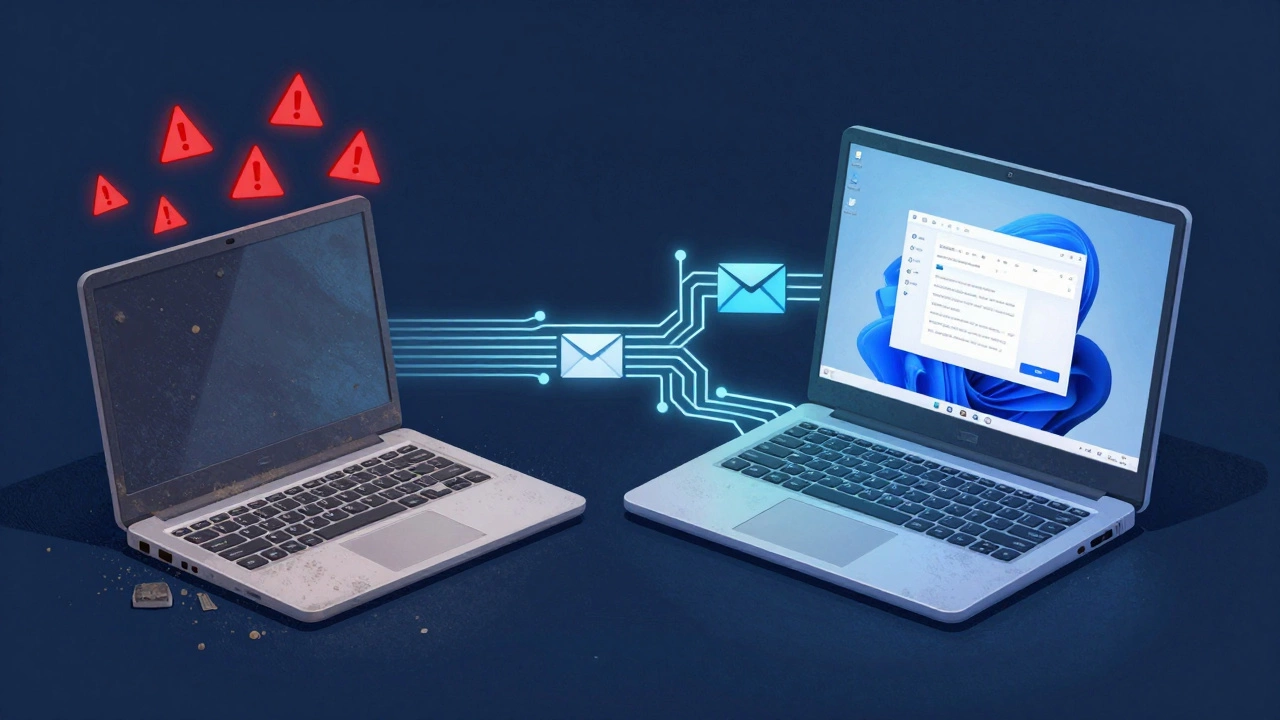
There are red flags. If your laptop has any of these, don’t bother fixing it:- Cracked motherboard: If the laptop won’t power on at all, and you’ve ruled out the battery and power adapter, it’s likely a dead motherboard. Repair costs $200+-more than a new machine.
- Failing CPU or RAM: If it boots but crashes constantly, or won’t recognize memory, those parts are rarely replaceable on older laptops. They’re soldered in.
- Physical damage: Spilled liquid, bent chassis, broken screen. These aren’t just expensive-they’re often not worth the repair unless it’s your only device.
- No driver support: If Windows 11 won’t install, or critical drivers are missing, you’re stuck on Windows 7 or 8. That’s a security risk.
Also, if the laptop is a brand you’ve never heard of-like a no-name AmazonBasics or a discount store special-it’s probably built with cheap parts. Those rarely last past 5 years.
What’s the environmental cost?
Every laptop you throw away adds to e-waste. Australia produces over 120,000 tonnes of it every year. Most of it ends up in landfills or shipped overseas. Repairing extends the life of materials, reduces mining for new metals, and cuts carbon emissions.Fixing a 7-year-old laptop saves about 120 kg of CO2 compared to buying a new one. That’s like driving 300 km less. If you care about sustainability, repair isn’t just smart-it’s responsible.

What about software?
Windows 10 is ending support in 2025. That means no more security updates. But here’s the trick: you can install Linux. Ubuntu, Linux Mint, or Zorin OS are free, lightweight, and run beautifully on old hardware. They’re secure, fast, and don’t need powerful specs.One user in Fremantle switched their 7-year-old HP to Linux Mint. Now it runs faster than when it was new. No bloatware. No ads. No forced updates. Just a clean, quiet machine that does what it needs to.
Linux isn’t for everyone-but if you just need email, browsing, and documents, it’s perfect.
Real-life decision tree
Here’s how to decide:- Is the laptop turning on? If no → skip it.
- Is the screen cracked or the keyboard falling apart? If yes → consider replacement.
- Is it slow? If yes → SSD + RAM upgrade ($50-$100) might fix it.
- Does it hold a charge? If no → battery replacement ($60) restores usability.
- Can you install Linux? If yes → you’ve got 2-3 more years of life.
- Do you need high performance? If yes → upgrade now.
- Are you okay with a slower, quieter machine? If yes → fix it.
If you answered yes to most of the last three, you’re looking at a low-cost, high-value fix.
Bottom line
Yes, it’s worth fixing a 7-year-old laptop-if you’re realistic about what you need. You’re not buying performance. You’re buying time. Time to finish your thesis. Time to get through the next job hunt. Time to avoid the $600 bill.For many people, a $100 repair gives them 2-3 more years of reliable use. That’s cheaper than a new laptop. It’s better for the planet. And honestly? It feels good to make something old work again.
Don’t fix it because you’re attached. Fix it because it makes sense. And if it doesn’t? Then it’s time to move on.
Can I upgrade the RAM in a 7-year-old laptop?
Some can, some can’t. Most laptops from 2017-2019 have one or two RAM slots. If it has 4GB or less, adding another 8GB stick (around $25 AUD) can help. But if the RAM is soldered to the motherboard-which is common in ultrabooks and thin-and-lights-you can’t upgrade it. Check the model number online to confirm.
Is it safe to use an old laptop without Windows updates?
It’s risky. Windows 10 stopped updates in October 2025. Without security patches, your laptop is vulnerable to malware and ransomware. The fix? Install Linux. It’s free, secure, and doesn’t need constant updates. If you stick with Windows, avoid banking, shopping, or downloading files. Use it only for offline tasks.
How long will a repaired 7-year-old laptop last?
With an SSD, new battery, and clean internals, you can expect 2-4 more years of reliable use. It won’t be fast, but it’ll be stable. After that, the next failure is likely to be irreversible-like a failing motherboard or screen. That’s when replacement makes sense.
Where can I get parts for an old laptop in Australia?
Try eBay Australia, AliExpress, or local repair shops like Laptop Repair Perth or TechFix. Many sell compatible batteries and SSDs for under $80. Look for the exact model number (found on the bottom of the laptop) to ensure compatibility. Avoid third-party sellers with no reviews.
Should I back up data before fixing my old laptop?
Absolutely. Even if it’s working now, repairs like replacing the SSD or battery can wipe your drive. Use an external drive or cloud backup. Google Drive, Dropbox, or even a simple USB stick will do. Don’t assume your files are safe just because the laptop turns on.