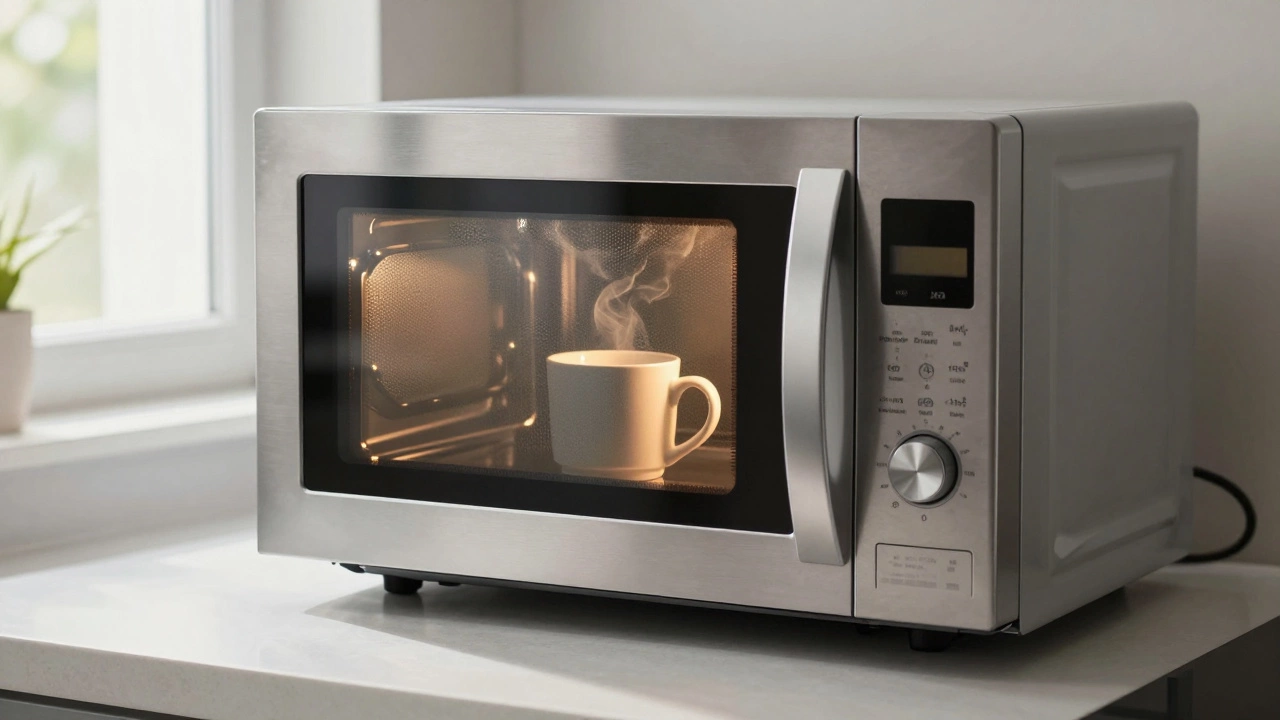
Microwave Troubleshooter
Step 1: Does the microwave turn on?
When you press start, do any lights inside turn on, or does the display light up?
Your microwave stops working right in the middle of dinner. The light goes on, but nothing heats up. Or maybe it just won't start at all. It is frustrating, especially when you are hungry. You might think the whole unit is dead and need a replacement. But before you throw it away, you should know that most microwave failures have simple causes. Understanding these issues can save you money and time.
The short answer to what breaks microwaves the most is the magnetron. This is the part that actually generates the heat. However, other components fail just as often. A blown fuse, a bad door switch, or a faulty capacitor can also stop your microwave from working. In this guide, we will look at the top reasons for microwave failure. We will explain how each part works and what signs to look for. By the end, you will know if your microwave needs a quick fix or a professional repair.
How Microwaves Work: A Quick Overview
To understand why microwaves break, you first need to know how they work. It is not magic. It is physics. When you press start, electricity flows through several parts. Each part has a specific job. If one part fails, the whole system stops. This safety feature prevents dangerous situations.
Microwave Oven is a kitchen appliance that uses electromagnetic radiation to heat food. It was invented by Percy Spencer in 1945. The device works by generating microwaves that vibrate water molecules in food. This vibration creates friction, which produces heat. The main components include a magnetron, a waveguide, a cavity, and a control panel. Modern microwaves use solid-state electronics for timing and power levels.
Here is the basic flow:
- You set the time and power level.
- The control board sends a signal to the high-voltage transformer.
- The transformer boosts the voltage from 120V to over 2,000V.
- This high voltage powers the magnetron.
- The magnetron emits microwaves into the cooking chamber.
- The microwaves bounce around and heat your food.
If any link in this chain breaks, the microwave stops. Knowing this helps you diagnose the problem. For example, if the light works but there is no heat, the issue is likely after the control board. If nothing happens at all, the problem might be earlier in the chain.
The Magnetron: The Heart of the Microwave
The magnetron is the most common cause of microwave failure. It is the engine of the machine. Without it, there is no heating. Think of it like the burner on your stove. If the burner does not get hot, you cannot cook. The same applies to the magnetron.
Magnetron is a vacuum tube that generates microwave radiation. It converts electrical energy into electromagnetic waves. A typical household magnetron operates at 2.45 gigahertz. This frequency matches the resonant frequency of water molecules. The component is housed in a metal casing with cooling fins. It requires precise voltage and current to function correctly. Manufacturers design magnetrons to last for thousands of hours, but they wear out over time.
Signs of a failing magnetron include:
- No heat, but the light and turntable still work.
- A humming noise without heating.
- Sputtering or arcing inside the oven.
- Burnt smell coming from the back of the unit.
Magnetrons do not last forever. They degrade with use. Running a microwave empty accelerates this process. The microwaves have nowhere to go, so they reflect back into the magnetron. This damages the internal components. Always put something in the microwave before turning it on. Even a cup of water is enough to absorb the energy.
Replacing a magnetron is possible but tricky. It requires disassembling the entire unit. You must handle high-voltage parts with care. If you are not experienced with electronics, call a professional. The risk of electric shock is real. Also, magnetrons are expensive. Sometimes, replacing the part costs more than buying a new microwave.
High-Voltage Capacitor and Diode Issues
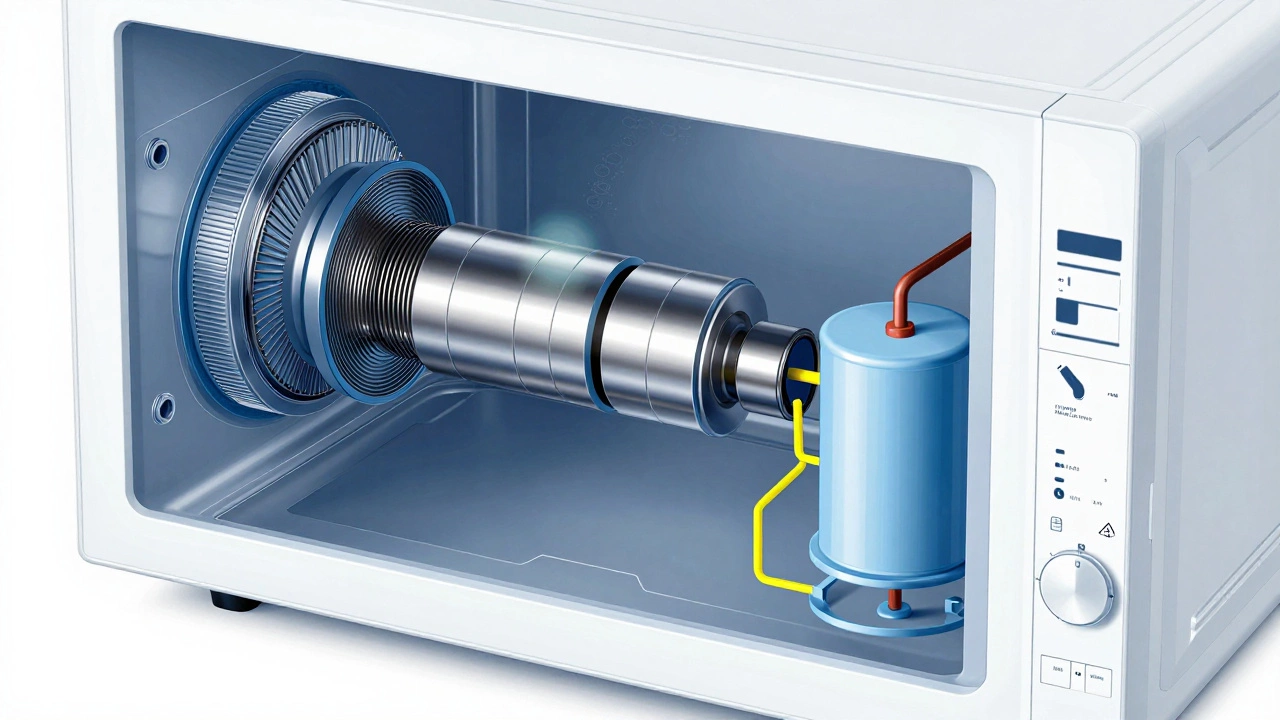
Next to the magnetron, the high-voltage capacitor and diode are frequent culprits. These two parts work together to boost the voltage. The transformer steps up the voltage, but the capacitor stores it. The diode ensures the current flows in one direction. Together, they create the high voltage needed for the magnetron.
High-Voltage Capacitor is an electronic component that stores electrical charge. In a microwave, it holds a lethal voltage even when unplugged. It smooths out the pulsating DC from the rectifier diode. Typical capacitance values range from 0.8 to 1.2 microfarads. The voltage rating is usually between 2,000 and 4,000 volts. Failure modes include bulging, leaking, or shorting out. Technicians always discharge capacitors before working on them.
When the capacitor fails, the microwave may not start at all. Or it might spark inside. You might hear a loud pop when you press start. This is a clear sign of a blown capacitor or diode. The diode acts as a gatekeeper. If it breaks, the voltage cannot reach the magnetron properly.
Diodes are cheaper and easier to replace than capacitors. They are small black cylinders with wires attached. Test them with a multimeter. If the reading is infinite in both directions, the diode is open. If it reads zero in both directions, it is shorted. Either way, it needs replacement.
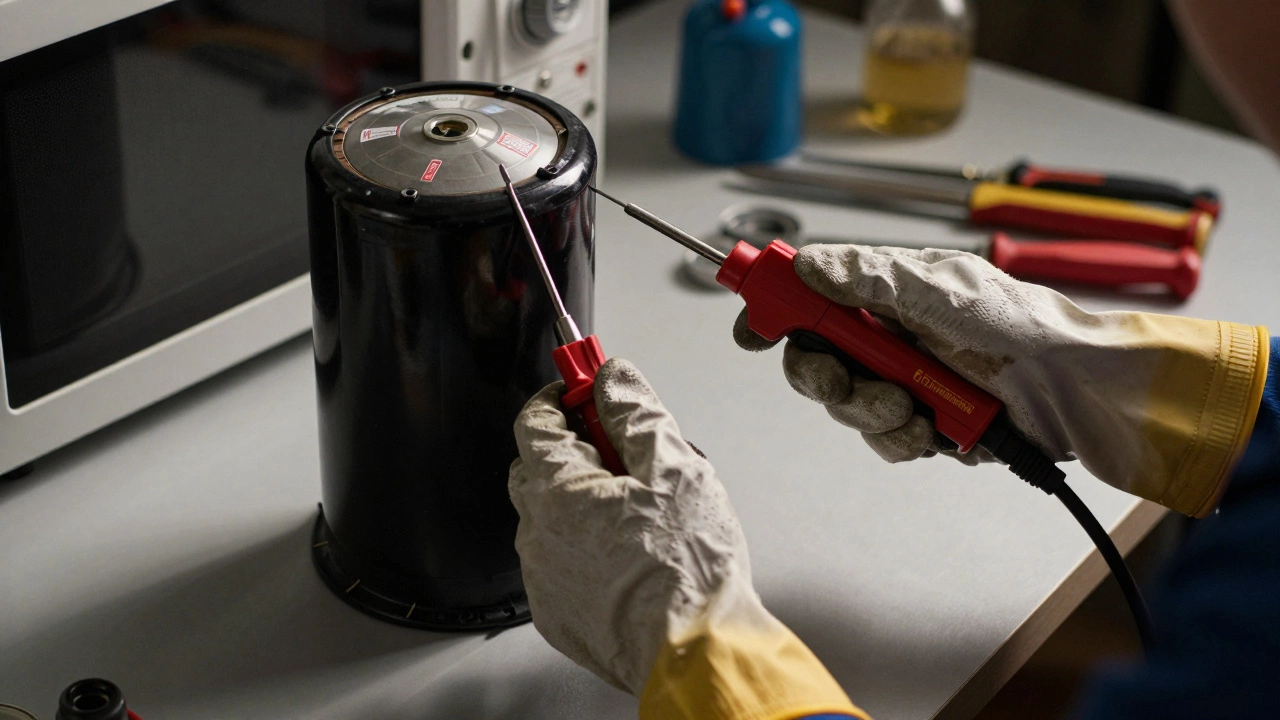
Capacitors are harder to test. You need a specialized meter or an ohmmeter. Look for physical damage. Bulging tops or leakage indicate failure. Never touch the terminals with bare hands. Use an insulated screwdriver to discharge the capacitor safely. Connect the blade across the terminals while wearing rubber gloves. Wait a few minutes before proceeding.
Door Switches and Safety Interlocks
Microwaves have multiple safety features. One of the most important is the door switch system. There are usually three switches inside the door frame. They ensure the microwave only runs when the door is closed. If one switch fails, the microwave thinks the door is open. It will not start, even if the door looks shut.
Door Switch is a mechanical or electronic switch that detects door position. Microwaves typically use three microswitches for redundancy. The first switch cuts power to the magnetron when the door opens. The second switch provides feedback to the control board. The third switch is a backup safety mechanism. These switches are activated by plastic cams on the door latch. Wear and tear can cause misalignment or contact failure. Cleaning the switch contacts can sometimes restore functionality.
Common symptoms of bad door switches include:
- Microwave will not start.
- Light turns on, but no heating.
- Error codes on digital displays.
- Need to jiggle the door to get it to work.
Check the door hinges and latches first. Loose screws or broken plastic tabs can prevent proper engagement. Tighten any loose hardware. Inspect the cam levers on the door. They should move freely and press the switches firmly. If the switches feel stiff or unresponsive, they may need cleaning or replacement.
Testing door switches requires a multimeter. Set it to continuity mode. Press the switch lever and listen for a click. The meter should beep when the circuit closes. If there is no beep, the switch is faulty. Replace it with an exact match. Using a different type can compromise safety.
Control Board and User Interface Problems
The brain of the microwave is the control board. It processes your inputs and tells the other parts what to do. Buttons, knobs, and touchpads connect to this board. Over time, buttons wear out. Spills can corrode the contacts. Moisture and grease build up under the keypad. This leads to unresponsive controls or erratic behavior.
Control Board is the main printed circuit board that manages microwave operations. It contains microprocessors, memory chips, and input/output interfaces. The board interprets user commands and regulates power delivery. It monitors temperature sensors and timers. Failures often result from voltage spikes, moisture intrusion, or component aging. Symptoms include frozen displays, incorrect times, or failure to respond to inputs. Reflowing solder joints can sometimes fix intermittent connections.
If your microwave beeps randomly or shows strange characters, the control board might be failing. Start by cleaning the keypad. Use a damp cloth and mild detergent. Avoid getting water inside the buttons. Let it dry completely before testing again. Sometimes, simple cleaning solves the issue.
For deeper problems, inspect the ribbon cable connecting the keypad to the main board. Loose connections cause communication errors. Reseat the cable carefully. Check for burnt marks or corrosion on the board itself. If you see damage, the board likely needs replacement. Finding an exact match can be difficult. Search using the model number printed on the inside of the door or back panel.
Turntable Motor and Support Ring
While not critical for heating, the turntable motor affects even cooking. If the plate does not rotate, some spots get hotter than others. This leads to cold centers and burnt edges. The motor drives the glass plate via a coupling ring. Food debris and grease clog the mechanism. Eventually, the motor burns out.
Turntable Motor is a low-voltage motor that rotates the glass cooking tray. It operates at 120 volts AC and consumes minimal power. The motor shaft engages with a plastic drive coupler. This coupler meshes with teeth on the underside of the glass plate. Common failures include stripped gears, worn bearings, or burned windings. Noise during operation often indicates impending failure. Lubrication with food-safe silicone grease can extend motor life.
Signs of turntable issues include:
- Glass plate stuck in place.
- Loud grinding or buzzing noises.
- Unevenly heated food.
- Visible cracks in the support ring.
Clean the bottom of the microwave regularly. Remove the glass plate and wipe away grime. Check the support ring for cracks. Replace it if damaged. Ensure the motor coupling is seated properly. If the motor hums but does not turn, it is likely seized. Replacement motors are inexpensive and easy to install. Just disconnect the power first.
When to Call a Professional vs. DIY
Not all repairs are safe for homeowners. Microwaves contain high-voltage components that can kill. Before attempting any repair, assess your skill level and tools. Simple fixes like cleaning switches or replacing fuses are manageable. Complex jobs involving the magnetron or capacitor require expertise.
| Issue | Difficulty | Risk Level | Recommended Action |
|---|---|---|---|
| Blown Fuse | Easy | Low | DIY with multimeter |
| Door Switch | Medium | Medium | DIY if comfortable |
| Turntable Motor | Easy | Low | DIY recommended |
| Capacitor/Diode | Hard | High | Professional only |
| Magnetron | Very Hard | High | Professional only |
If you lack experience with electronics, hire a technician. They have the tools and knowledge to work safely. Cost-wise, labor can add up. Compare the repair quote with the price of a new microwave. If the repair exceeds 50% of a new unit's cost, consider replacement. Older models may not meet current efficiency standards anyway.
Preventing Future Failures
Regular maintenance extends the life of your microwave. Follow these tips to avoid common problems:
- Clean spills immediately to prevent corrosion.
- Never run the microwave empty.
- Use microwave-safe containers only.
- Keep vents free of dust and debris.
- Close the door gently to protect switches.
- Unplug during thunderstorms to protect against surges.
These habits seem small, but they make a big difference. A clean microwave runs cooler and lasts longer. Proper usage reduces stress on internal components. Prevention is always cheaper than repair.
Why does my microwave light up but not heat?
This usually points to a failed magnetron, high-voltage capacitor, or diode. Since the control board is sending power (light works), the issue lies in the heating circuit. Test these components with a multimeter or consult a technician.
Is it safe to repair a microwave yourself?
Only if you understand high-voltage risks. Capacitors store lethal charges even when unplugged. Always discharge them properly. If unsure, hire a professional. Safety should always come first.
How long do microwaves typically last?
Most microwaves last 7 to 10 years with regular use. Heavy daily use may shorten this lifespan. Proper maintenance can extend longevity. Signs of aging include slower heating and frequent breakdowns.
Can I replace just the magnetron?
Yes, but it is complex. You must find an exact match for your model. Installation involves removing the outer casing and handling high-voltage parts. Consider whether the cost justifies the effort versus buying new.
What causes sparking inside a microwave?
Sparking often results from metal objects, dirty waveguides, or damaged cavities. Remove any metal utensils. Clean the interior thoroughly. If sparking persists, check for worn insulation or cracked enamel. Stop use immediately if sparks continue.