Laptop Motherboard Repair Cost Calculator
Find out if repairing your laptop's motherboard makes financial sense based on your specific situation. This tool uses guidelines from expert technicians to help you decide between repair and replacement.
Most people think their laptop is broken when the screen flickers, the battery dies fast, or it won’t turn on. But what’s actually costing them the most money when they take it in for repair? It’s not the keyboard, not the charger, and not even the battery. The single most expensive part to repair on a modern laptop is the motherboard.
Why the Motherboard Costs So Much
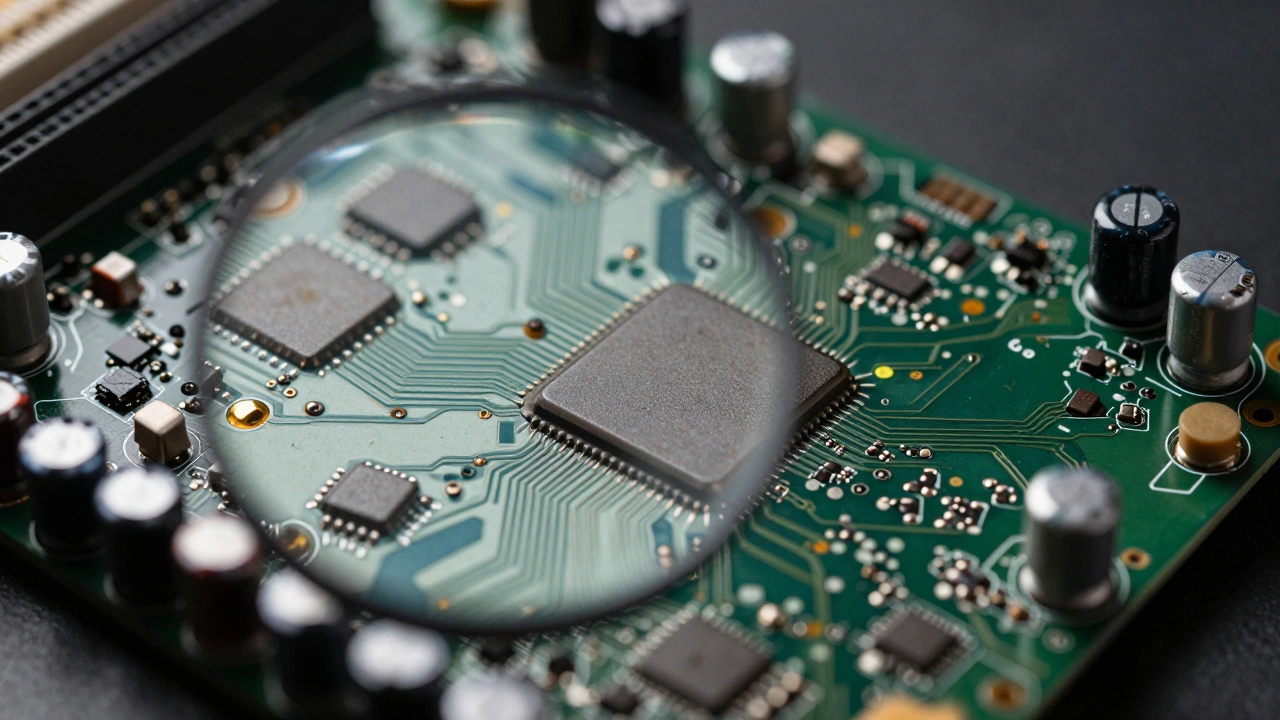
The motherboard is the brain of your laptop. It connects everything - the CPU, RAM, storage, ports, Wi-Fi, and even the screen. When it fails, it’s rarely a simple fix. Unlike a broken screen you can swap out in 20 minutes, a bad motherboard often means hours of diagnostic work, micro-soldering, and testing. Even then, replacement isn’t always guaranteed to work.
Most manufacturers don’t sell motherboards as standalone parts to regular repair shops. They’re locked behind proprietary firmware, serial number checks, and BIOS locks. So if your laptop’s motherboard dies, you’re usually stuck buying a new one from the manufacturer - and those can cost anywhere from $300 to $800, depending on the model.
Take a 2023 MacBook Air M2. The motherboard alone runs about $650. A Dell XPS 13 from the same year? Around $550. Even mid-range Windows laptops like the Lenovo ThinkPad T14 can hit $400 for a replacement board. That’s more than half the price of a new laptop in many cases.
Why Other Parts Are Cheaper
Let’s compare. A cracked screen? You can get a replacement for $80 to $200, depending on the resolution and whether it’s OLED or IPS. A dead battery? $40 to $100. A faulty keyboard? $50 to $120. Even a failed SSD - which sounds serious - usually costs $100 to $180 to replace, including installation.
These parts are standardized. You can buy them from third-party suppliers like iFixit, Amazon, or AliExpress. They plug in. They work. No firmware headaches. No special tools. No risk of frying the whole system during installation.
But the motherboard? It’s not plug-and-play. It’s soldered, layered, and encrypted. If you replace it without matching the exact model number and firmware version, your laptop might not boot. Or it might show a black screen with a blinking cursor. Or it might refuse to charge. Or the Wi-Fi won’t turn on. These are all common issues after a bad motherboard swap.
What Causes Motherboard Failure?
It’s not usually one big crash. It’s slow damage. Liquid spills - even a tiny drop of coffee - can corrode traces under the chips. Overheating from dust-clogged fans can fry voltage regulators. Power surges from cheap chargers can blow capacitors. And if you’ve ever dropped your laptop, even once, that tiny crack in the PCB might not show up until months later.
One repair shop in Perth I spoke with told me they see the same pattern every month: a student brings in a 2-year-old laptop after spilling tea on it. They think it’s just a keyboard issue. But the real problem? The motherboard’s power circuitry is fried. The repair estimate? $580. The cost of a new laptop? $650.
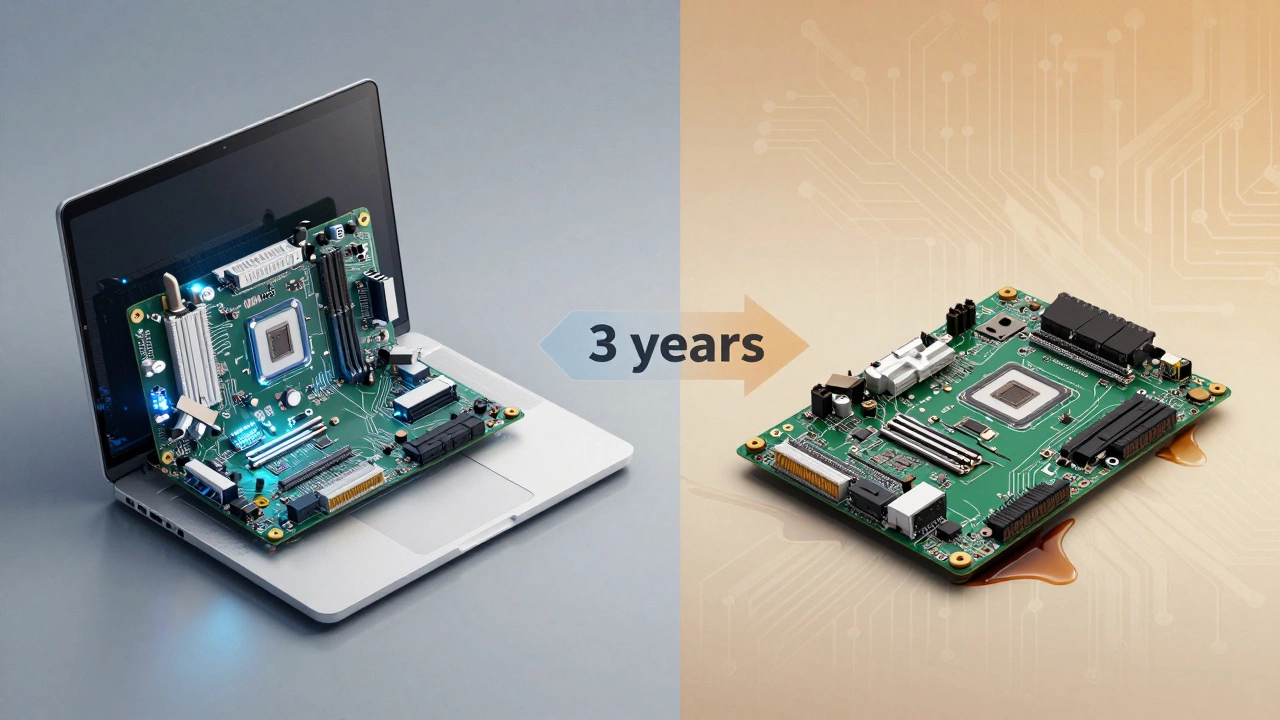
That’s why most technicians will tell you: if the motherboard is dead, and your laptop is over three years old, it’s usually not worth fixing.
When Repair Makes Sense
There are exceptions. If you have a high-end laptop - think Dell XPS, MacBook Pro, or Lenovo ThinkPad - and it’s only one or two years old, replacing the motherboard might still make sense. These machines are built to last. Their screens, keyboards, and batteries are easier to upgrade later.
Also, if your laptop has custom specs - like 32GB of RAM, a 2TB SSD, or a discrete GPU - replacing the whole machine means losing that investment. A $700 motherboard repair might be cheaper than buying a new laptop with the same specs.
And if you’re a professional who relies on specific software that only runs on your current model? That’s another reason to repair. Some CAD programs, audio workstations, or legacy business apps won’t run on newer hardware. You’re not just fixing a laptop - you’re preserving your workflow.
What About DIY Motherboard Repairs?
You’ll see YouTube videos of people fixing motherboards with a heat gun and a soldering iron. They claim they can replace a blown capacitor and bring a dead laptop back to life. It’s tempting. But here’s the truth: 9 out of 10 of those videos are edited to hide the failures. The real success rate for DIY motherboard repairs is below 10%.
Modern motherboards have hundreds of tiny components, each smaller than a grain of sand. A single misaligned solder joint can kill the whole board. And if you damage a trace while trying to fix it? You’ve just turned a $500 problem into a $1,000 one - because now you’ve ruined the replacement part too.
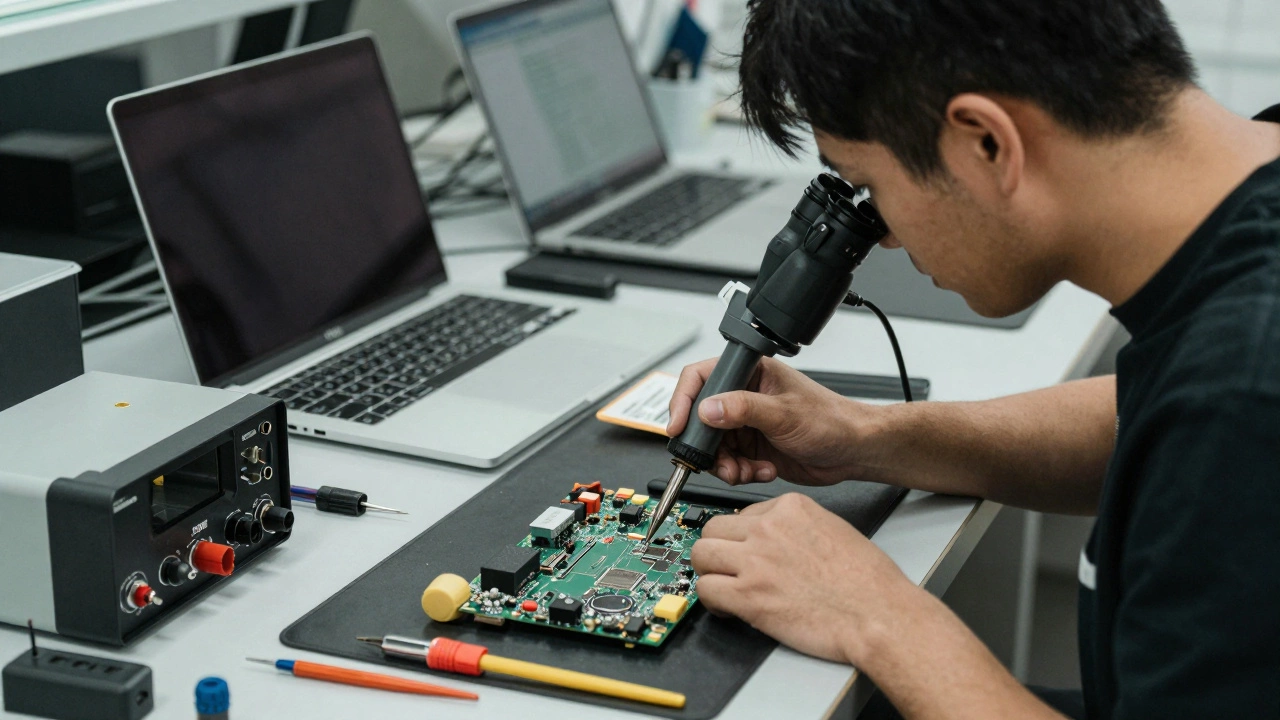
Unless you’ve trained for years in surface-mount technology (SMT) repair and have access to a microscope, X-ray machine, and thermal rework station - don’t try it. The risk isn’t worth the savings.
What You Can Do Instead
Instead of waiting for the motherboard to die, protect it.
- Always use the original charger or a certified replacement. Cheap chargers send unstable voltage - that’s a top cause of motherboard damage.
- Keep your laptop clean. Dust buildup in the cooling system raises temperatures. Clean the fans every 6 to 12 months.
- Avoid using your laptop on soft surfaces like beds or couches. They block airflow and cause overheating.
- Use a surge protector. Power spikes from storms or faulty wiring can fry circuits silently.
- Don’t spill liquids. If you do, turn it off immediately, unplug it, and take it to a pro within 24 hours. Water damage gets worse over time.
These steps won’t guarantee your motherboard will last forever. But they can easily add two to three extra years of life - and save you hundreds in repair bills.
Is It Ever Better to Just Buy New?
Yes. And here’s how to decide.
If your laptop is older than four years, and the motherboard repair costs more than 50% of a new comparable model - walk away. The next failure could be the RAM, the SSD, or the display cable. And you’ll be right back in the same spot.
But if your laptop is under three years old, has a solid build, and you rely on it daily - spending $500 to $600 to fix the motherboard might be smarter than buying a new one. Especially if you can reuse your accessories, licenses, and files.
Also, check if your laptop is still under warranty. Some manufacturers offer extended coverage for accidental damage. If you bought AppleCare or Dell ProSupport, you might be able to get the motherboard replaced for $99 instead of $600.
Final Thought
The motherboard isn’t just the most expensive part to fix - it’s the most fragile. It’s where all the money, engineering, and tech in your laptop converges. And when it fails, you’re not just losing a component. You’re losing the entire system’s identity.
That’s why the best repair isn’t always the one that fixes your laptop. Sometimes, the best repair is the one you avoid by taking care of it before it breaks.
Is it worth repairing a laptop with a bad motherboard?
It depends on the age and value of the laptop. If it’s under three years old and you rely on it daily, repairing the motherboard can be worth it - especially if the cost is under half the price of a new one. But if it’s older than four years or the repair costs more than 50% of a new laptop, it’s usually better to replace it.
Can I replace a laptop motherboard myself?
Technically yes, but practically no. Motherboards require micro-soldering, firmware matching, and specialized tools. Most DIY attempts fail and can cause more damage. Unless you’re a trained technician with the right equipment, it’s not worth the risk.
Why are laptop motherboards so expensive?
They’re custom-designed for each model, packed with tightly integrated components, and often locked with firmware that only works with the original device. Manufacturers don’t sell them to third-party shops, so repair centers have to buy them directly - and pass the cost on.
Does a damaged motherboard always mean the laptop is dead?
Not always. Sometimes only part of the motherboard is damaged - like a single voltage regulator or capacitor. A skilled technician can sometimes repair just that section. But if the CPU, RAM slots, or chipset are affected, the whole board usually needs replacement.
How long does a laptop motherboard typically last?
With proper care - clean fans, stable power, no spills - a laptop motherboard can last 5 to 7 years. But many fail earlier due to overheating, poor charging habits, or physical damage. Most laptops are replaced before the motherboard naturally wears out.